Learning Management Systems
Overview
Empower students and instructors with AI-driven support inside Blackboard LMS. LearnWise seamlessly integrates with Blackboard Learn, transforming it into an intelligent, context-aware learning environment.
LearnWise works with Blackboard Learn in both its versions. On Ultra it publishes through the Ultra Extension Framework. On Original it embeds into the base navigation bar or behind the Help Center icon. Either way students find it where they already look for help, not in a separate tab.
Three products are available on Blackboard: AI Campus Support, AI Student Tutor, and AI Ops Assistant.
How it works
What you can deploy in Blackboard
Blackboard AI Campus Support
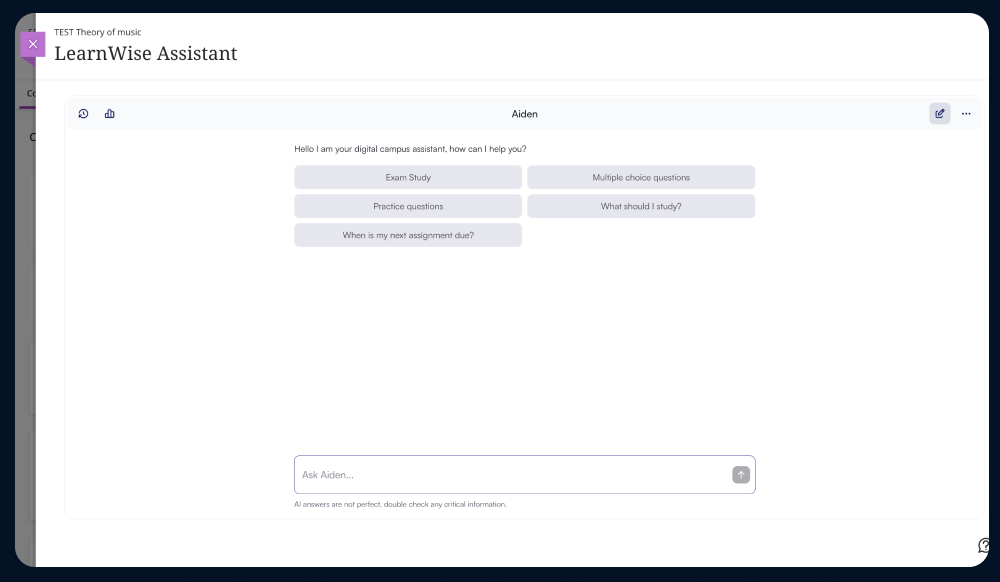
AI chat assistant that sits in the Blackboard navigation and answers what the service desk answers all day: where a grade is, how to submit, how to enroll, when something is due, and many more about financial aid, housing and campus life.
- On average, LearnWise AI assistants resolve 97% of student queries instantly
- Answers in 100+ languages
- Escalations route to the owning department and land in your ticketing system
- Available to students, staff, and faculty, with answers differing by Blackboard role
Blackboard AI Student Tutor
A course-level AI tutor grounded in the Blackboard course it belongs to.
- Faculty and CTLs set the pedagogy per course, from Socratic questioning to skill mastery or competency-based
- Builds quizzes, flashcards, study plans, and interactive practice from existing course content
- Routes to advising, disability services, or academic integrity when a student needs a human
- Insights show which module topics generate the most questions, and where content leaves questions unanswered
- Licensed to the institution and available to every enrolled student as part of the course
Blackboard AI Ops Assistant
LearnWise AI Ops Assistant enables plain-language questions and actions inside Blackboard for faculty, course operations, and leadership, handling complex or repetitive operational and data tasks that took weeks before.
- Faculty can check submissions, apply accommodations, extend due dates, and schedule announcements through a single conversation, with every change confirmed before it executes.
- Course teams and instructional designers can run cross-course quality audits, identify at-risk students across programs, and get a flagged view of course readiness across the full catalog.
- Three preset permission templates for Teaching Faculty, Course Operations, and Leadership, all customizable, with human approval required on every write action

How the Blackboard AI integration works
There are three layers to the integration. They are independent, so an institution can start with the first and add the others later without redoing the setup.
1. Setup and connection: A Blackboard administrator connects LearnWise to your Blackboard Learn instance and generates the credentials LearnWise uses to communicate with it. This is a one-time step regardless of how many LearnWise products you enable afterward.
2. Placement, which depends on Original or Ultra:
- On Blackboard Learn Ultra, LearnWise publishes through the Ultra Extension Framework (UEF), Blackboard's supported method for adding tools to the Ultra experience.
- On Blackboard Learn Original, LearnWise embeds into the base navigation bar or behind the Help Center icon, so it sits where students already look for help.
- A course-level assistant can also be embedded inside a specific course, on either version, independent of the site-wide placement above.
An institution running both Original and Ultra during a migration can deploy to both from one LearnWise configuration.
3. Content ingestion: An administrator selects which Blackboard content types the assistant is allowed to read: course materials, assignments, announcements, and discussion boards, depending on what each product needs. Institutional documents such as policies, handbooks, and FAQs can be added on top of course content as separate knowledge sources. Everything refreshes automatically on a weekly schedule, so no one has to re-upload content when a course changes.
4. REST API integration, optional and separate: Content ingestion alone produces an assistant that knows your course material. Connecting the Blackboard REST API adds two things on top of that:
- Live data: Assignment details, due dates, and discussion activity are read at the moment a question is asked, not from the weekly refresh.
- Role recognition: The assistant reads the asking user's Blackboard role and course enrollment, so a student, an instructor, and an administrator asking the same question get different, appropriately scoped answers.
The REST API layer is also what the AI Ops Assistant depends on, since taking an action in Blackboard requires the same live, authenticated connection. Institutions with slower change-control processes can deploy content ingestion first and add the REST API layer in a later phase without disrupting what is already live.
5. Ongoing administration: Once connected, administrators manage what content is exposed, which permission templates apply to the AI Ops Assistant, and where escalations from AI Campus Support are routed, all from the LearnWise admin console rather than inside Blackboard itself.
Full setup instructions for each product, including exactly which Blackboard content types each one uses, are in the support guides.
Academic integrity and governance
LearnWise is not an AI-detection tool, and it is not designed to police students. It handles integrity through configuration.
- Boundaries are set by the institution: You define what the assistant will answer, what it declines, and what it hands to a person. A tutor can be configured to guide reasoning rather than produce submittable work.
- Integrity cases go to humans: Custom flows route integrity questions and disclosures to the office that owns them.
- Everything is reviewable: Conversations are visible to the institution, so patterns are auditable rather than invisible.
SOC 2 Type II, ISO 27001, Cyber Essentials Plus, HECVAT on request, GDPR and FERPA aligned, WCAG 2.2 AA. Data hosted in your region and owned by you, never used to train models.
Details are in our Trust and Safety Hub.
Institutions using LearnWise AI in Blackboard
University of Westminster delivers AI-powered support inside Blackboard, giving students 24/7 help while staff manage query volume at scale. Course-embedded assistants also support study and research, and surface learning patterns across modules.
Read the University of Westminster story
Frequently asked questions
Does LearnWise support Blackboard Learn Original and Ultra?
Both. Ultra publishes through the Ultra Extension Framework; Original embeds in the base navigation bar or the Help Center icon. Institutions mid-migration can run both from one configuration.
Does LearnWise use the Blackboard REST API?
Yes, optionally. The REST API layer supplies live assignment data, discussion activity, and role recognition, and it is required for the AI Ops Assistant. Content-only deployments are possible without it.
How do you publish an assistant using the Ultra Extension Framework?
UEF is the supported route on Ultra and an administrator completes it. The step-by-step process is in the support guides.
Which learning management systems have good academic integrity integrations?
Integrity depends less on the LMS than on how the AI layer is configured. In Blackboard, LearnWise lets the institution define what the assistant answers and what it refuses, routes integrity cases to the responsible office, and keeps conversations reviewable.
Can students use it without leaving Blackboard?
Yes, that is the point of the placement options. The assistant sits in the navigation bar, the Help Center icon, or inside a course, so there is no separate login or tab.
Can it answer in languages other than English?
Yes, 100+ languages, with answers matching the language of the question.
Why Choose LearnWise?
With LearnWise AI for Blackboard, your LMS becomes an intelligent learning ecosystem, supporting every learner, simplifying every workflow, and amplifying every educator's impact. Here's why LearnWise is the ideal choice for Blackboard:
- Seamless Blackboard LMS AI integration via JavaScript, embedded navigation, or REST API
- AI-powered campus support, tutoring and course operations tailored for higher and further education
- Omni-channel assistance that enhances student retention and satisfaction
- Smart analytics to identify trends and improve institutional performance
- Effortless deployment with automatic updates and zero maintenance overhead
- Institution-specific knowledge — go beyond Blackboard basics by adding your own campus policies, course guidelines, and resources
Enhance your Blackboard LMS with AI to create an engaging, efficient, and personalized digital campus. Whether through intelligent tutoring or 24/7 automated support, LearnWise makes Blackboard smarter, faster, and more human-centered.
Transform your teaching and learning experience — with LearnWise, the AI assistant for Blackboard.


Download the whitepaper
Explore our guide to learn how LearnWise AI works in your platform.
Get the whitepaperCreate an AI assistant
to support your campus
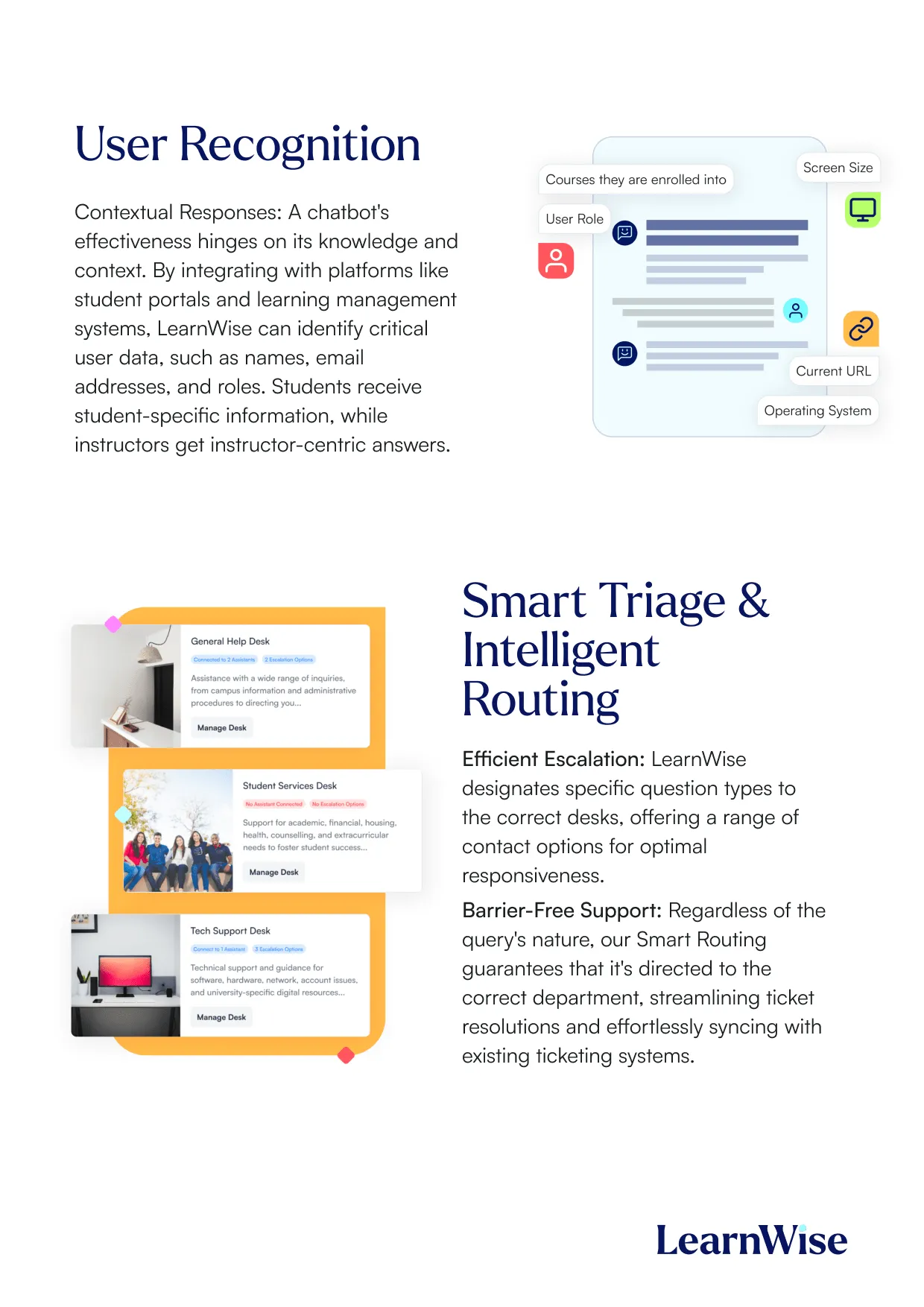
Boost engagement and efficiency at your university by connecting all your essential EdTech tools to LearnWise.
Try it nowDownload the study
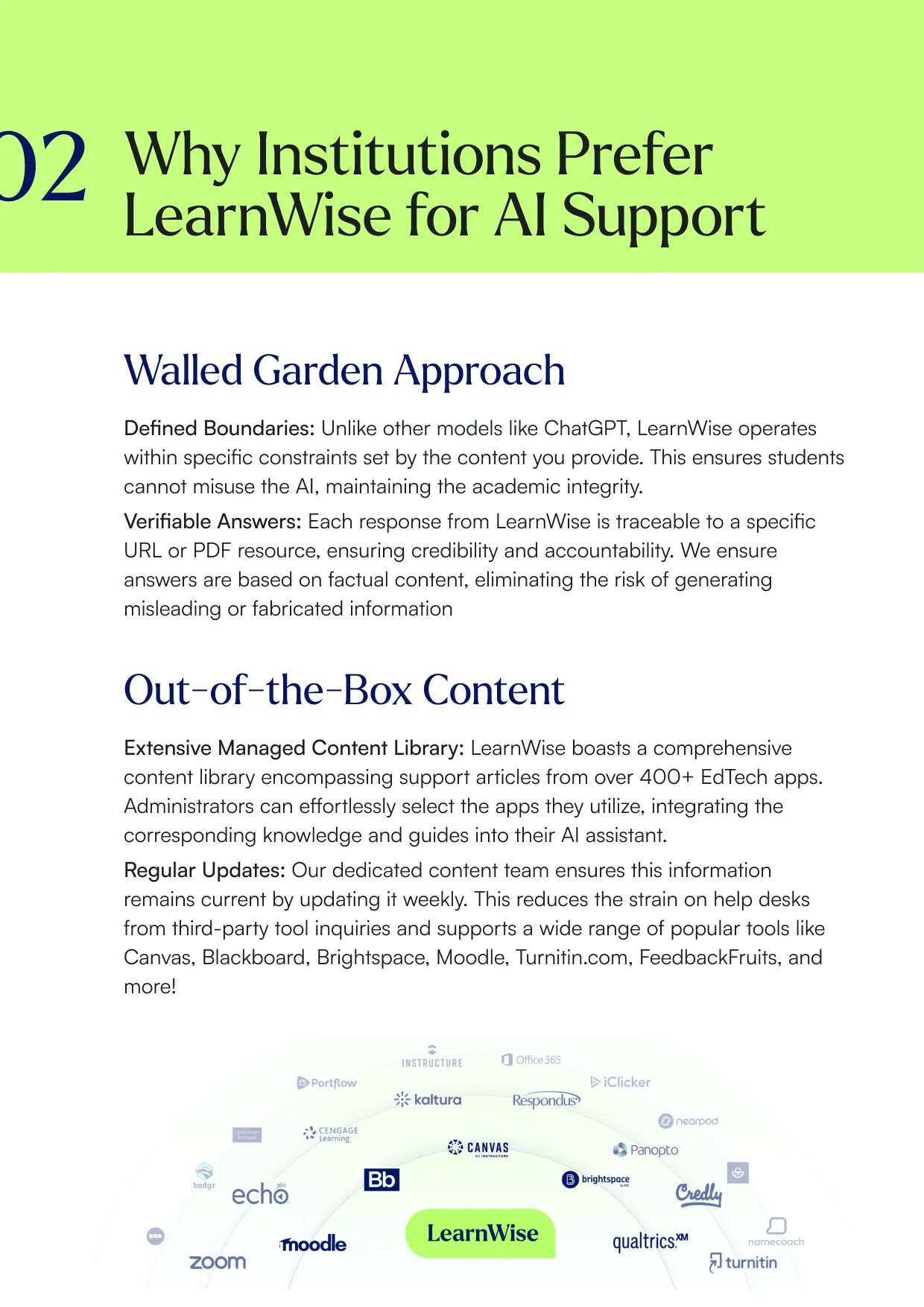
Learn why LearnWise is the best comprehensive AI support suite for institutions like yours.


Download the whitepaper
Explore our full integration guide to learn how LearnWise and D2L work together to streamline course delivery, support, and assessment.


Download the whitepaper
Explore our full integration guide to learn how LearnWise AI works in Blackboard to streamline support, teaching and learning.
Download the whitepaper
Explore our full integration guide to learn how LearnWise AI works in Microsoft Teams to streamline support and learning.
Download whitepaper
Explore our full integration guide to learn how LearnWise AI works in Moodle to streamline support, learning and assessment.
Similar integration
See all


.webp)
%20(1).webp)
%20(1).webp)

Kraanspoor 50, 1033 SE Amsterdam, Netherlands