Communication Channels
Overview
Microsoft Teams is central to teaching, collaboration, and communication in higher education. From lectures and Teams Classwork to faculty collaboration and student group projects, institutions rely on Microsoft Teams Education every day.
LearnWise enhances Microsoft Teams with an AI-powered assistant that delivers always-on academic support, institutional guidance, and contextual answers directly inside Teams. By embedding LearnWise into your Teams environment, you turn Microsoft Teams into a smarter learning platform that supports students, faculty, and IT teams without disrupting existing workflows.
How it works
LearnWise is an AI assistant and learning support app built specifically for Microsoft Teams integration in education.
It enables institutions to:
- Deliver 24/7 AI support inside Teams
- Provide AI tutoring based on course content in Teams Classwork
- Reduce helpdesk workload with automated responses
- Enhance learning in Teams with personalized study support
- Connect LMS and institutional knowledge directly into Teams
LearnWise is available directly through the Microsoft App Marketplace, making deployment simple for administrators.
Once installed, LearnWise can be added to:
- A specific Team
- A channel within Teams
- The left-hand app navigation for broader access
No custom development required.
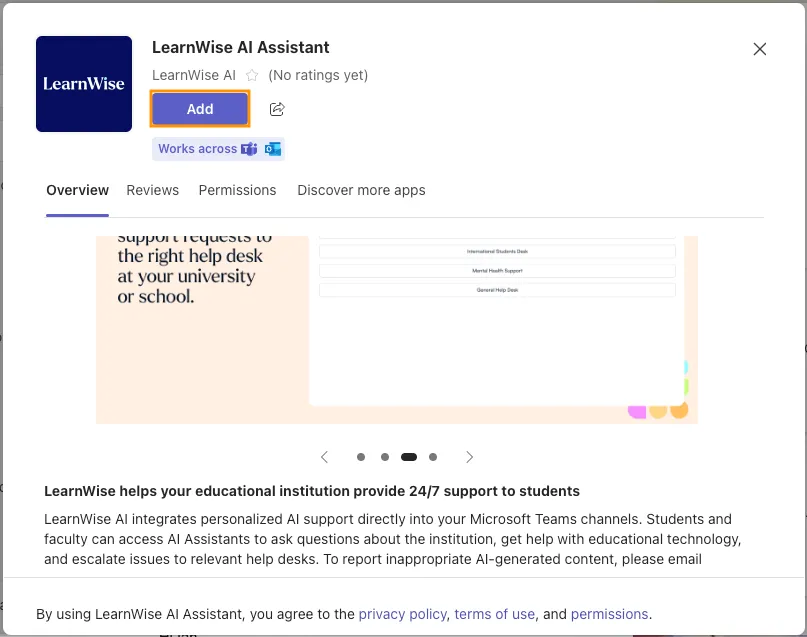
After installation:
- Log into your LearnWise admin dashboard
- Copy your Assistant ID
- Paste the Assistant ID into the Teams configuration panel
- Save and deploy
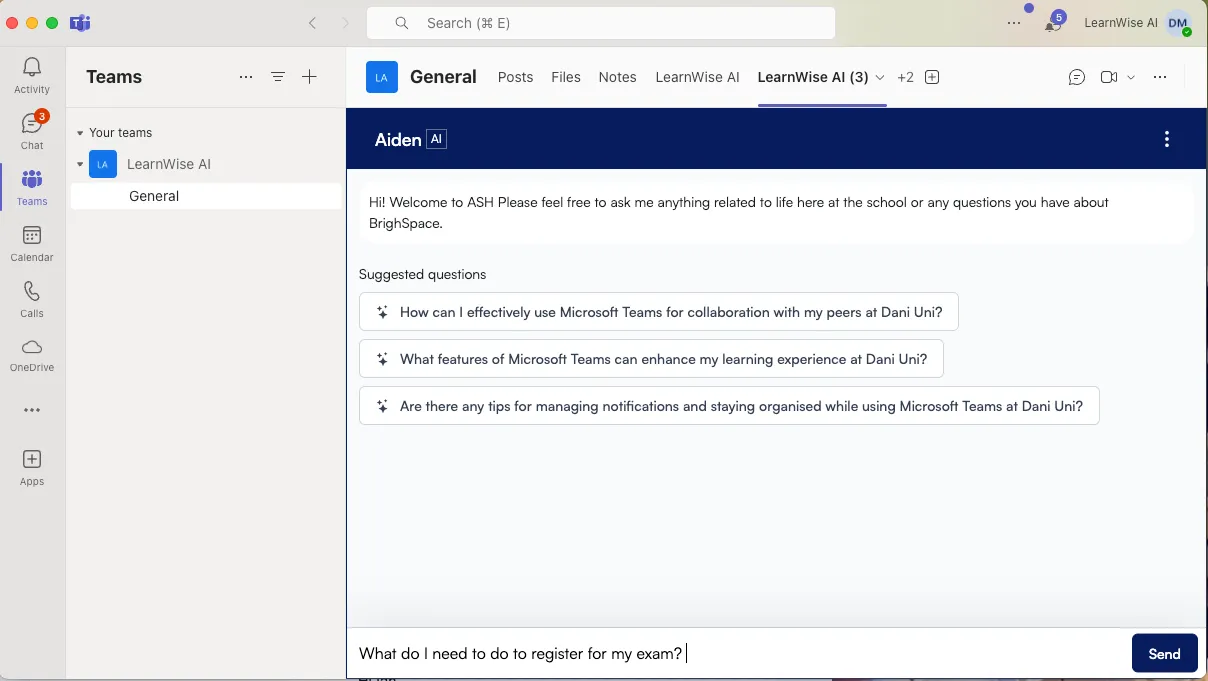
Within minutes, your AI assistant is live inside Microsoft Teams. Institutions can deploy it in a single Team or scale across departments campus-wide.
Features
LearnWise AI unlocks these capabilities for Teams:
1. AI Campus Support in Microsoft Teams
Deliver a built-in Microsoft Teams helpdesk assistant that answers repetitive student and staff questions instantly.
Students can ask:
- “How do I register for classes?”
- “Where can I find my grades?”
- “When is the enrollment deadline?”
LearnWise can:
- Automatically respond to common institutional questions
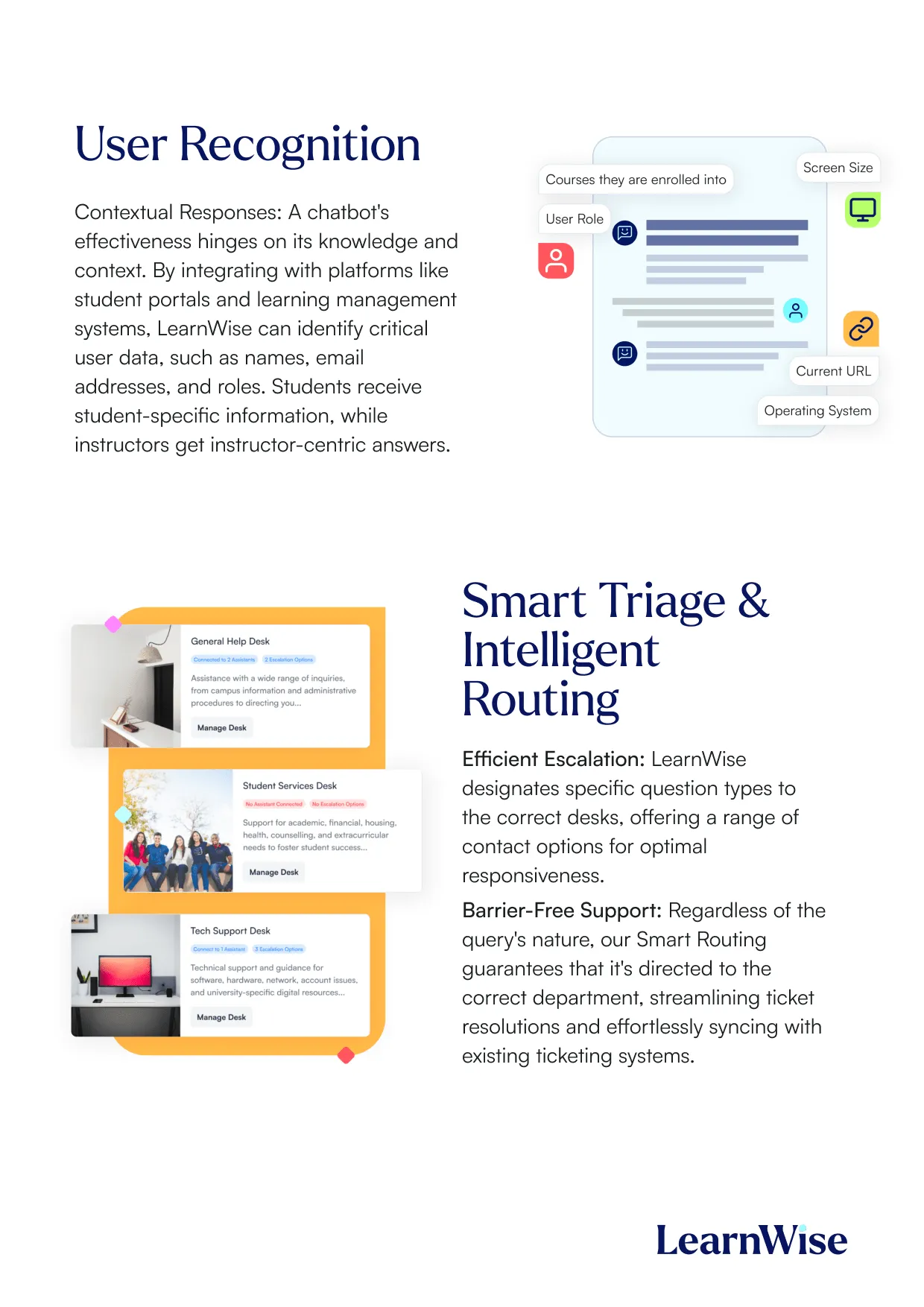
- Route complex issues to IT or student services
- Create workflows for financial aid, enrollment, or wellbeing
- Reduce helpdesk tickets for support teams
For institutions exploring knowledge management in Microsoft Teams, LearnWise centralizes answers and makes them accessible 24/7.
2. AI Student Tutor in Microsoft Teams
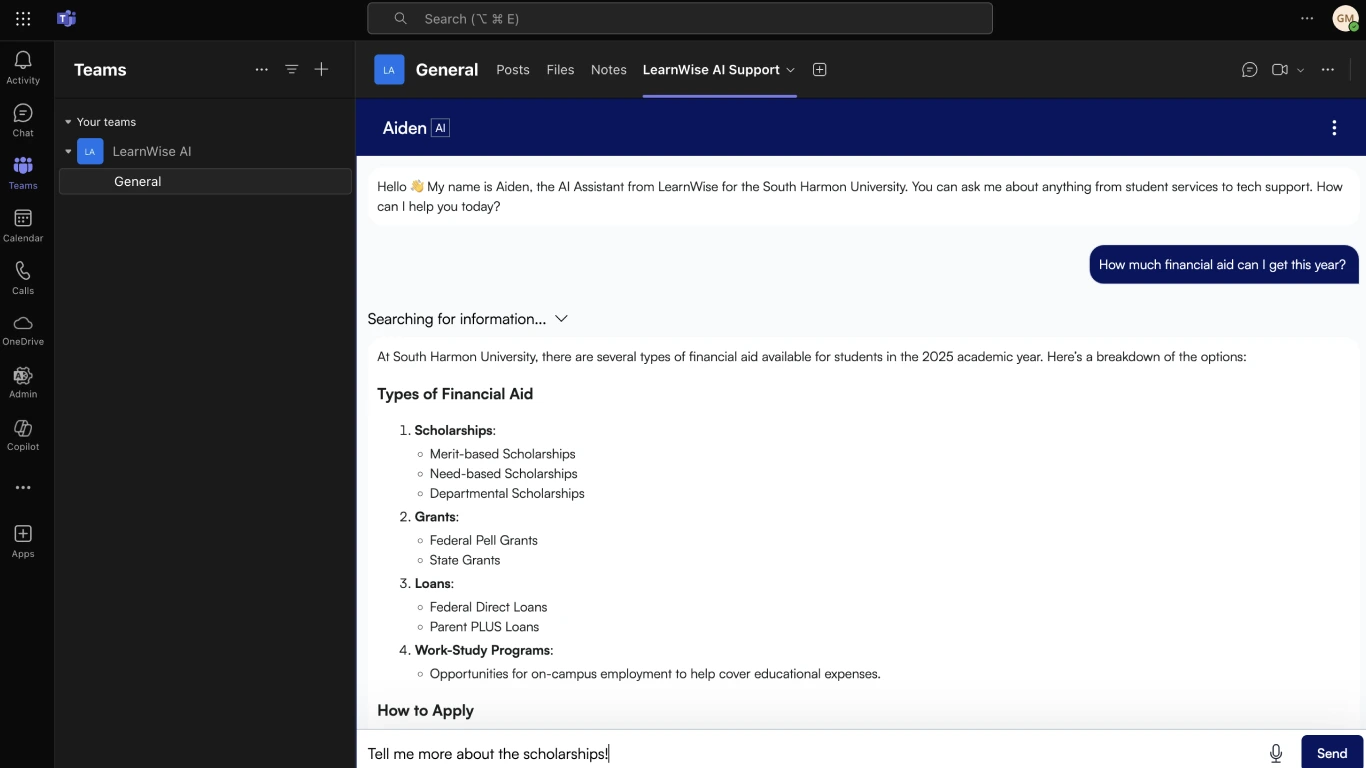
LearnWise transforms Teams into an AI-supported learning platform.
Using content from Teams Classwork, SharePoint, OneDrive, OneNote, and uploaded files and links, the AI Tutor provides:
- Context-aware academic answers
- Assignment deadline reminders
- Rubric and grading clarification
- Personalized study plans
- AI-generated quizzes and flashcards
- Adaptive practice exercises via Study Mode
This makes Microsoft Teams more than a collaboration tool — it becomes an intelligent academic support environment. With LearnWise AI Tutor, every students gets a personal AI study companion who supports their learning continuously even outside of office hours.
.webp)
3. LMS & Knowledge Integration with Teams
Many institutions use Microsoft Teams alongside an LMS. Thanks to its integration with all major LMSs such as Canvas, Brightspace, Blackboard and Moodle, and 400+ other edtech apps, LearnWise connects institutional knowledge and course content into one AI-powered experience, creating a seamless LMS integration with Teams.
Students no longer need to search across platforms — the AI surfaces the right information directly in Teams.
Why Choose LearnWise?
- Designed for Microsoft Teams Education: Built specifically for higher education use cases, not generic enterprise chatbots.
- Seamless Integration: Install from the Teams App Marketplace with no hardcoding or custom development.
- Embedded in Existing Workflows: Students and faculty stay inside Microsoft Teams — no platform switching required.
- Channel-Specific Intelligence: Responses can be tailored based on team, channel or user role, so students get different answers than faculty when needed.
- Scalable for IT Teams: Deploy in a single Team or across the entire institution with centralized management.
- Secure and Role-Based: Respects Microsoft Teams login protocols and institutional access controls.


Download the whitepaper
Explore our guide to learn how LearnWise AI works in your platform.
Get the whitepaperUnify and streamline your internal support processes.
Boost engagement and efficiency at your university by connecting all your essential EdTech tools to LearnWise.
Try it nowDownload the study
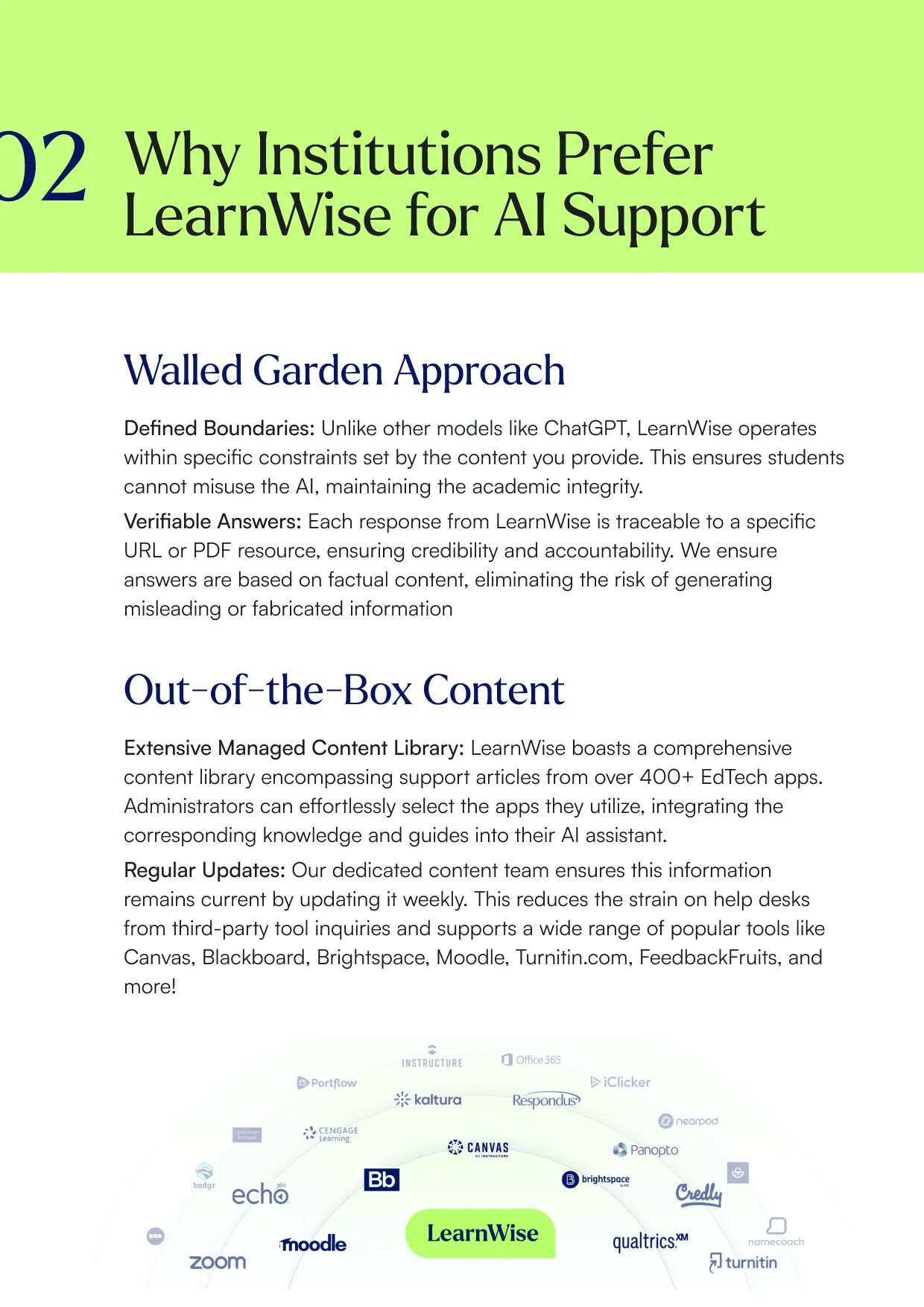
Learn why LearnWise is the best comprehensive AI support suite for institutions like yours.


Download the whitepaper
Explore our full integration guide to learn how LearnWise and D2L work together to streamline course delivery, support, and assessment.


Download the whitepaper
Explore our full integration guide to learn how LearnWise AI works in Blackboard to streamline support, teaching and learning.
Download the whitepaper
Explore our full integration guide to learn how LearnWise AI works in Microsoft Teams to streamline support and learning.
Download whitepaper
Explore our full integration guide to learn how LearnWise AI works in Moodle to streamline support, learning and assessment.
Similar integration
See allNo items found.


.webp)
%20(1).webp)
%20(1).webp)

Kraanspoor 50, 1033 SE Amsterdam, Netherlands