Content Hub
Overview
Microsoft OneDrive is a cloud storage platform that enables secure file sharing, collaboration, and organization across teams and departments. With the LearnWise AI integration, you can transform OneDrive into a responsive educational assistant — one that can answer questions, summarize documents, and surface relevant content based on the files stored within your institutional environment.
From faculty resources and assignments to strategic planning documents and departmental archives, LearnWise AI helps your users interact with OneDrive content more efficiently and intelligently.
How it works
1. Connect LearnWise AI to your Microsoft OneDrive
- Enable secure access to shared drives, folders, and user-specific files found in OneDrive
2. Pulling Portal Content to Train the AI Assistant
- LearnWise pulls relevant information from content in OneDrive to train the AI assistant’s responses.
- This ensures students receive accurate answers based on most recent resources such as documents, slide decks, PDFs, spreadsheets, and more found in OneDrive.
3. Embedding the AI Assistant within the Courses
- The LearnWise AI assistant can be embedded directly within the courses, making it easy for students to access the course content they need from OneDrive without leaving their course page.
4. Personalized Support Using Student Information
- LearnWise recognizes student details, such as name and email, to personalize responses and create a more engaging support environment.
5. Ensuring Data Security
- Files never leave your OneDrive; LearnWise stores only the semantic fingerprints required for search, keeping data under existing Microsoft security and compliance controls.
Why Choose LearnWise?
LearnWise’s integration with Microsoft OneDrive makes your OneDrive an intelligent knowledge base for academic and operational content. LearnWise AI empowers users to interact with documents naturally, without needing to open each file manually.
Advantages of integrating LearnWise AI with Microsoft OneDrive:
- In-Portal, Instant Support: Access the AI assistant directly within courses, providing students with real-time assistance using the content found in OneDrive.
- Dynamic AI Training from Microsoft OneDrive Content: Pulls content from OneDrive, ensuring accurate and relevant support.
- Personalized Student Interaction: Uses student information to tailor responses, enhancing the support experience.
- Improved Resource Navigation: Helps students quickly find what they need within OneDrive, boosting engagement and satisfaction.
Empower students with LearnWise and OneDrive, providing seamless, personalized support that enhances their campus experience and connects them with essential resources.


Download the whitepaper
Explore our guide to learn how LearnWise AI works in your platform.
Get the whitepaperUnify and streamline your internal support processes.
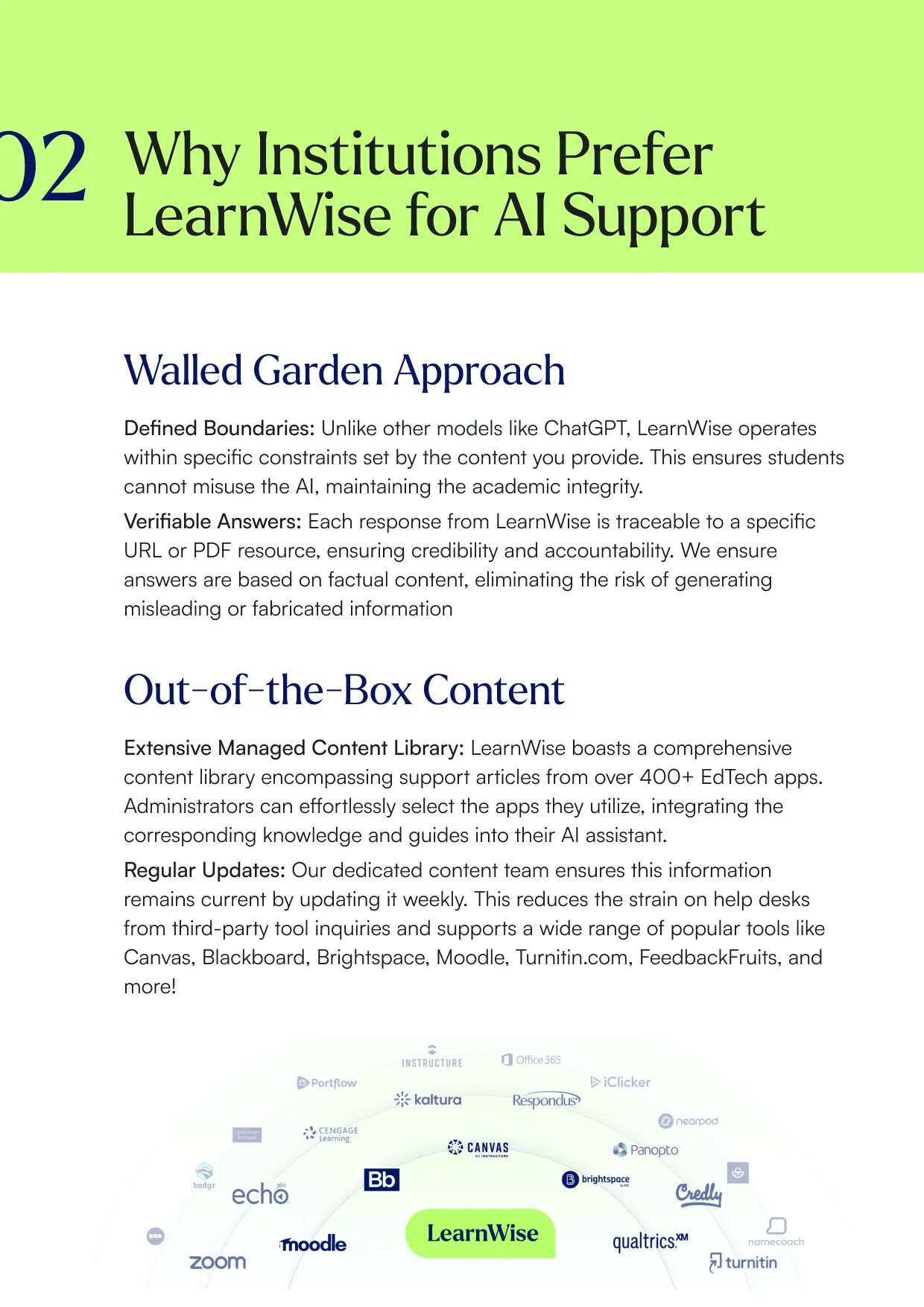
Boost engagement and efficiency at your university by connecting all your essential EdTech tools to LearnWise.
Book a demoDownload the study
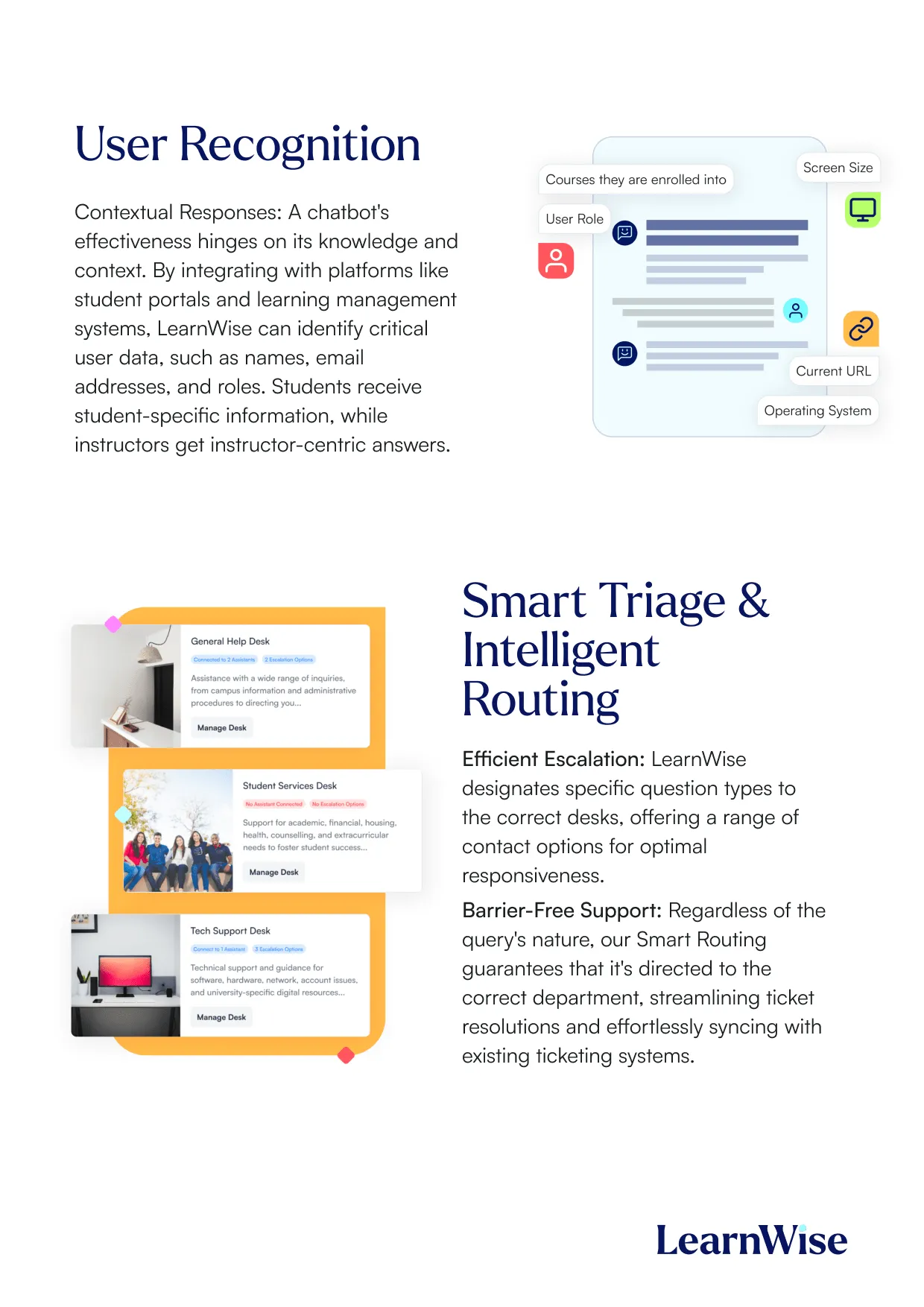
Learn why LearnWise is the best comprehensive AI support suite for institutions like yours.


Download the whitepaper
Explore our full integration guide to learn how LearnWise and D2L work together to streamline course delivery, support, and assessment.


Download the whitepaper
Explore our full integration guide to learn how LearnWise AI works in Blackboard to streamline support, teaching and learning.
Download the whitepaper
Explore our full integration guide to learn how LearnWise AI works in Microsoft Teams to streamline support and learning.
Download whitepaper
Explore our full integration guide to learn how LearnWise AI works in Moodle to streamline support, learning and assessment.
Similar integration
See all



.webp)
%20(1).webp)
%20(1).webp)

Kraanspoor 50, 1033 SE Amsterdam, Netherlands