
Student Portal
Overview
The LearnWise and CampusGroups integration elevates student support by pulling content directly from CampusGroups pages to answer questions and provide real-time assistance. Embedded within the CampusGroups portal, the LearnWise AI assistant offers students quick access to information, resources, and help exactly when they need it. Additionally, LearnWise recognizes key student information, such as name and email, to personalize responses and create a more connected support experience.
Key Benefits:
How it works
1. Pulling Content from CampusGroups to Train the AI Assistant
- LearnWise pulls information from designated CampusGroups pages, using this data to train the AI assistant’s responses.
- This integration ensures students receive accurate answers based on CampusGroups’ latest resources, announcements, and updates.
2. Embedding the AI Assistant within CampusGroups
- The LearnWise AI assistant can be embedded directly within the CampusGroups portal, allowing students to access support seamlessly as they navigate campus resources.
- This in-portal assistance provides students with immediate, contextual help across any section of CampusGroups.
3. Personalized Support Leveraging Student Information
- LearnWise recognizes key student details, such as name and email, to personalize responses, creating a more connected and engaging support experience.
- By tailoring answers to each student’s unique profile, LearnWise fosters a support environment that feels individualized and responsive.
Why Choose LearnWise?
LearnWise’s integration with CampusGroups provides a robust support solution that enhances the portal’s role as a central student resource. By pulling CampusGroups content to inform responses and embedding the AI assistant directly in the portal, LearnWise empowers students with quick, personalized answers, improving engagement and satisfaction.
Advantages of LearnWise with CampusGroups:
- In-Portal, Real-Time Support: Access the AI assistant directly within CampusGroups, delivering timely, on-page assistance.
- Dynamic AI Training from CampusGroups Content: Pulls content from CampusGroups pages, ensuring accurate, relevant support.
- Personalized Student Interaction: Uses student information to tailor responses, creating a meaningful support experience.
- Enhanced Resource Navigation: Helps students quickly locate resources within CampusGroups, boosting satisfaction and engagement.
Empower students with LearnWise and CampusGroups, providing seamless, personalized support that enhances their campus experience and connects them with essential resources.


Unify and streamline your internal support processes.
Boost engagement and efficiency at your university by connecting all your essential EdTech tools to LearnWise.
Try it nowDownload the whitepaper
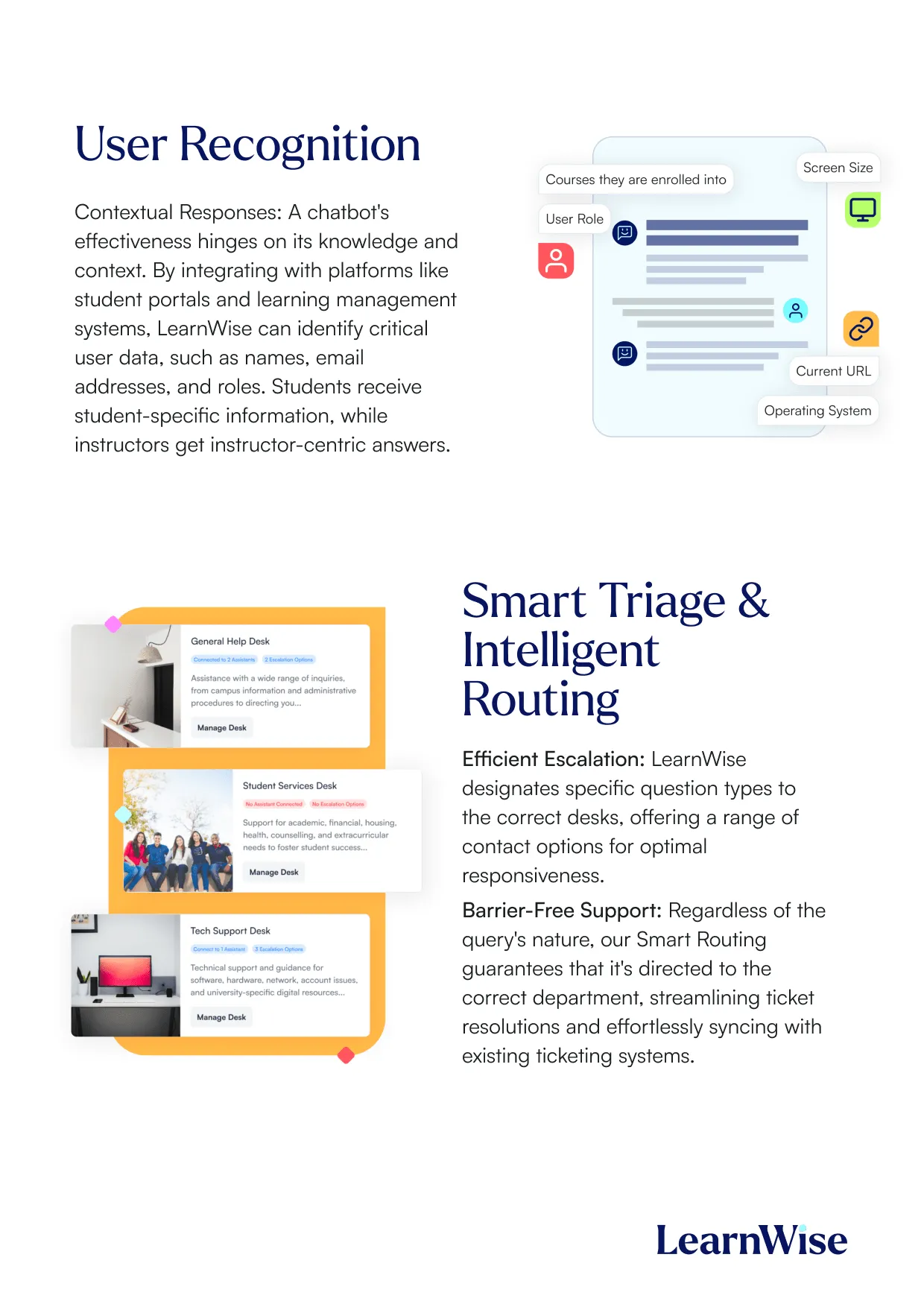
Explore our guide to learn how LearnWise AI works in your platform.
Get the whitepaperDownload the study
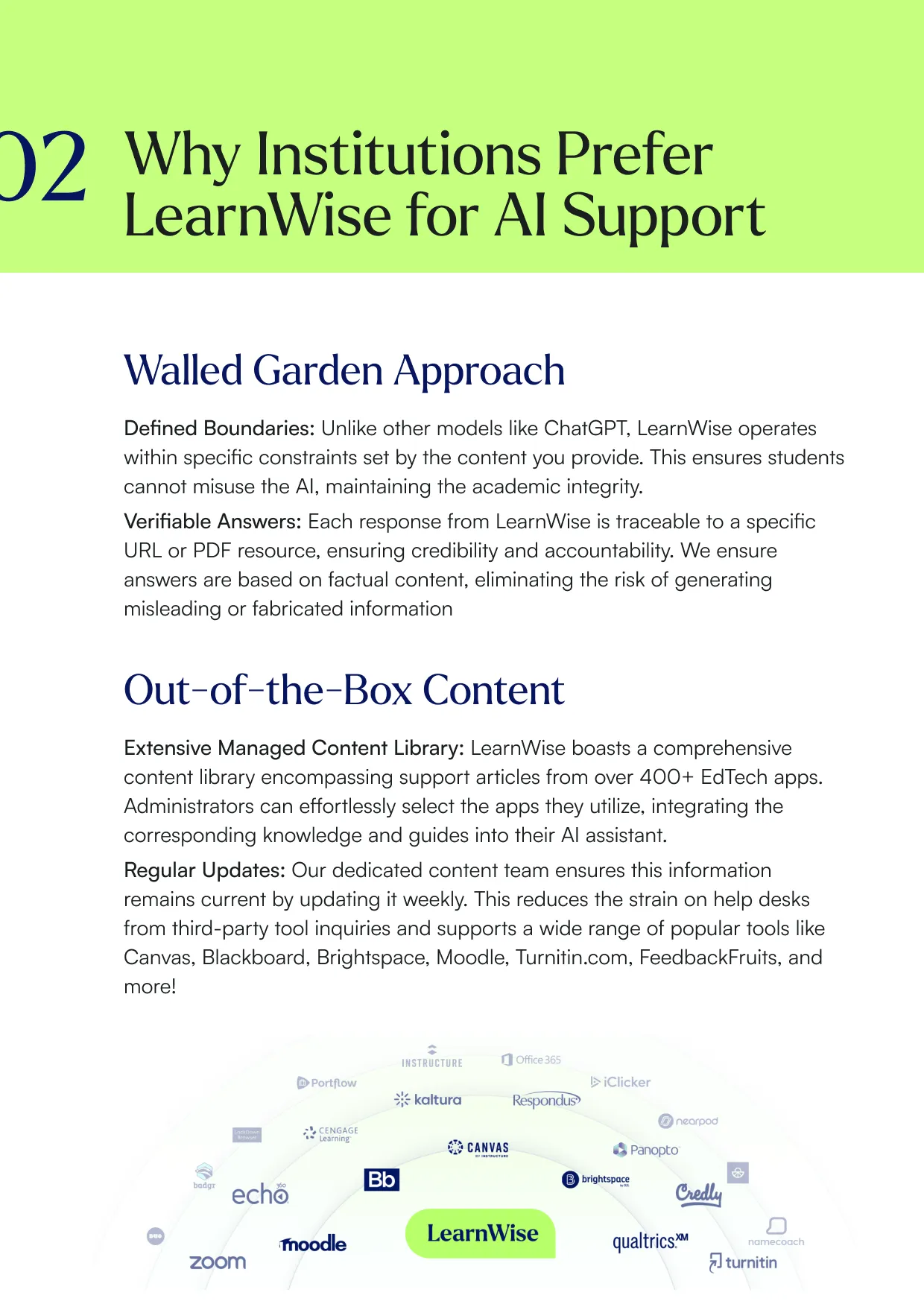
Learn why LearnWise is the best comprehensive AI support suite for institutions like yours.


Download the whitepaper
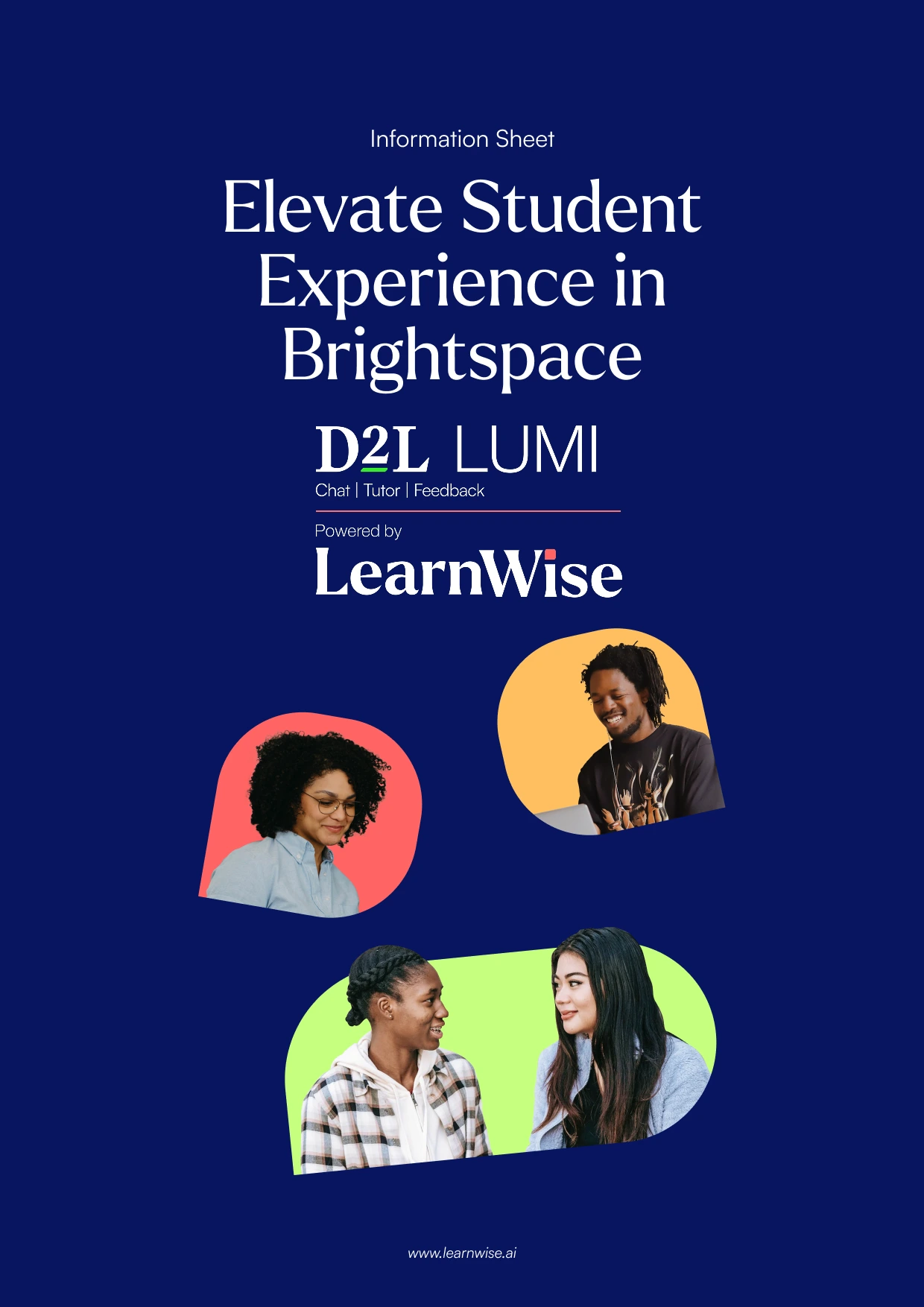
Explore our full integration guide to learn how LearnWise and D2L work together to streamline course delivery, support, and assessment.


Download the whitepaper
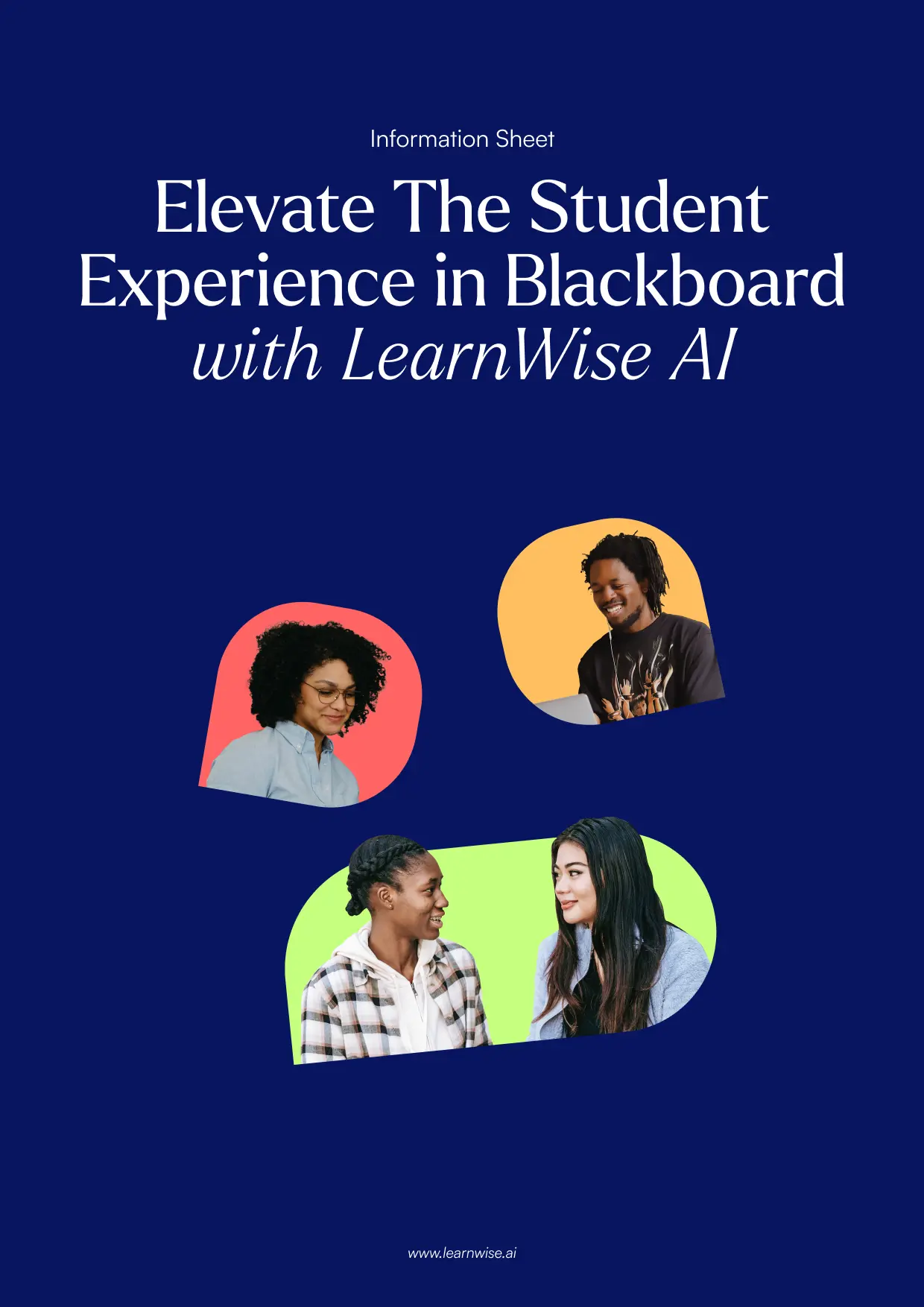
Explore our full integration guide to learn how LearnWise AI works in Blackboard to streamline support, teaching and learning.
Download the whitepaper
Explore our full integration guide to learn how LearnWise AI works in Microsoft Teams to streamline support and learning.
Download whitepaper
Explore our full integration guide to learn how LearnWise AI works in Moodle to streamline support, learning and assessment.
Download whitepaper
Explore our full integration guide to learn how LearnWise AI works in Moodle to streamline support, learning and assessment.
Download the whitepaper
Explore our full integration guide to learn how LearnWise and D2L work together to streamline course delivery, support, and assessment.
Download the whitepaper
Explore our full integration guide to learn how LearnWise AI works in Blackboard to streamline support, teaching and learning.
Download the whitepaper
Explore our full integration guide to learn how LearnWise AI works in Microsoft Teams to streamline support and learning.
Download whitepaper
Explore our full integration guide to learn how LearnWise AI works in Moodle to streamline support, learning and assessment.
FAQ
Common questions, answered.
How long is the product demo?


Most demos last between 30-45 minutes, with additional time available for questions, discussion, and platform-specific use cases.
Is the demo tailored to our institution?
Yes. We build the session around the products and use cases most relevant to you, with examples that reflect how your institution actually works rather than a generic walkthrough. Tell us your priorities in advance and we will focus the time there.
Who should attend the demo?
Bring whoever owns the problem you want to solve. That usually means a mix of the people who would use it day to day, such as LMS admins, student services, or faculty, plus someone who can speak to priorities and budget.
How quickly can LearnWise be implemented?
Faster than most institutions expect. Technical setup is typically 3 to 7 business days, with full onboarding in 3 to 5 weeks, and no coding is required. You can also roll out one product or one department at a time and expand from there.
Similar integration
See all


Kraanspoor 50, 1033 SE Amsterdam, Netherlands

