
Student Portal
Overview
The LearnWise and Eduframe integration brings AI-powered support directly into the Eduframe participant portal, where prospective and current learners browse courses, make purchases, and manage their enrollment. LearnWise appears as an always-available AI assistant in the bottom-right corner of the interface, ready to guide learners from course discovery through checkout and onboarding. Because learners are already authenticated within the Eduframe ecosystem, LearnWise recognizes key user information—such as name and email address—to deliver personalized, context-aware support throughout the entire learner journey.
How it works
1. Embedding the AI Assistant in Eduframe
- The LearnWise AI assistant is embedded directly within the Eduframe participant portal, appearing in the bottom-right corner on every page.
- Learners can access instant support without leaving the Eduframe experience—whether they're browsing the course catalog, checking out, or managing their enrollment.
2. Personalized Support Using Learner Information
- Because learners are already authenticated in EduFrame, LearnWise automatically recognizes known users—both prospective and current learners.
- LearnWise fetches key user details, including name and email address, via the Eduframe portal API to personalize every interaction.
- This allows the assistant to deliver tailored course and program recommendations based on who the learner is.
3. Guidance Across the Learner Journey
- LearnWise supports learners at every stage: from exploring the course catalog and comparing programs, through the purchase and checkout process, to onboarding and post-enrollment support.
- The assistant can answer questions about courses, programs, pricing, and institutional policies—all within the familiar Eduframe interface.
Why Choose LearnWise?
LearnWise's integration with Eduframe provides a seamless support experience that enhances the portal's role as a central hub for course discovery, enrollment, and learner engagement. By embedding the AI assistant directly in the participant portal and leveraging authenticated user data, LearnWise empowers learners with personalized, instant guidance at every step.
Advantages of LearnWise with Eduframe:
- In-Portal, Always-Available Support: Access the AI assistant directly within the Eduframe participant portal, available on every page in the bottom-right corner.
- Personalized Learner Interaction: Recognizes authenticated users by name and email to tailor responses and recommendations.
- Full Learner Journey Coverage: Supports course discovery, program comparison, checkout, and post-enrollment onboarding—all without leaving Eduframe.
- Seamless Integration: Loads via a simple configuration in the Eduframe admin settings—no complex setup required.
Empower learners with LearnWise and Eduframe, providing personalized, AI-driven support that guides them from their first course search to successful enrollment and beyond.


Unify and streamline your internal support processes.
Boost engagement and efficiency at your university by connecting all your essential EdTech tools to LearnWise.
Try it nowDownload the whitepaper
Explore our guide to learn how LearnWise AI works in your platform.
Get the whitepaperDownload the study
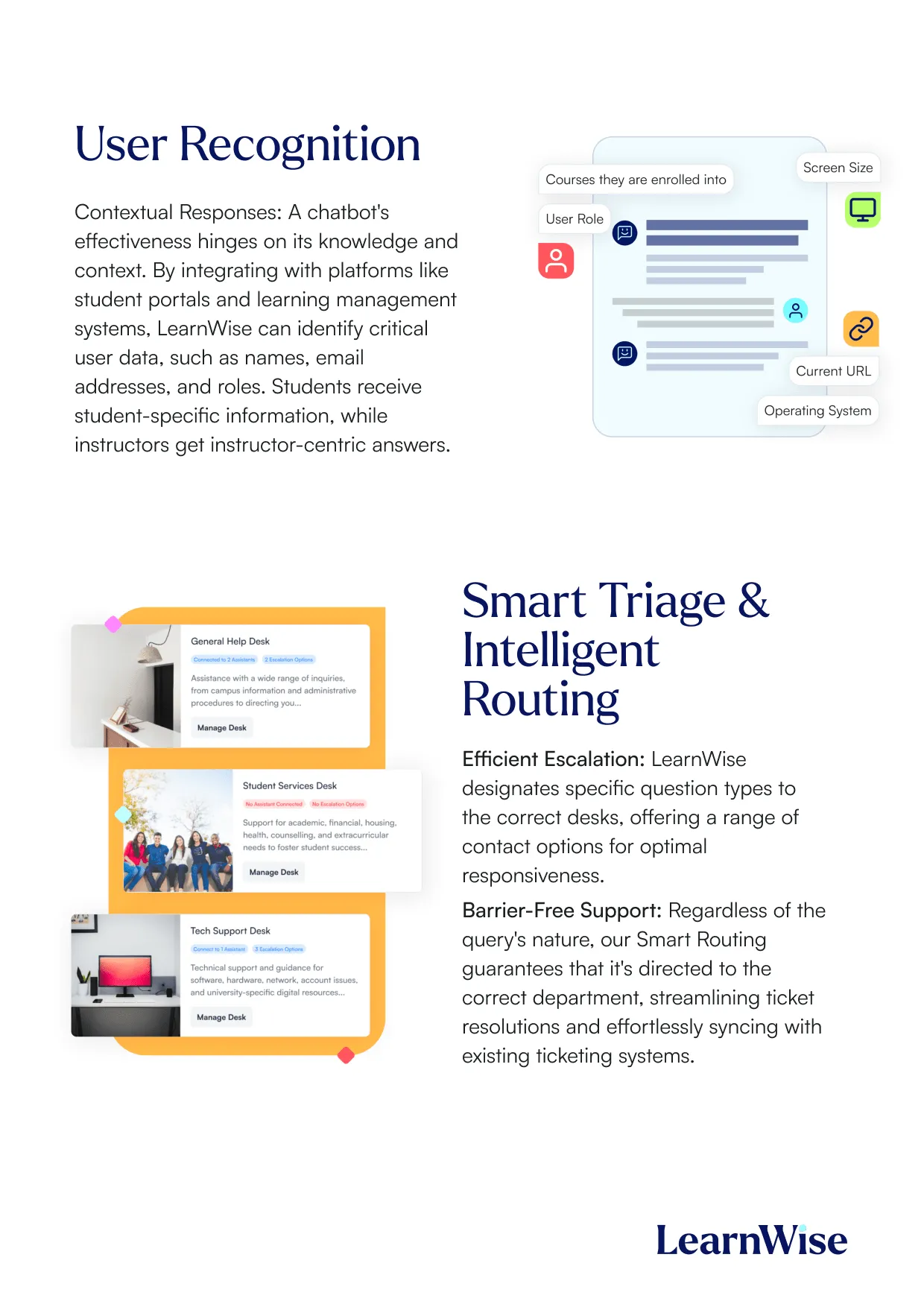
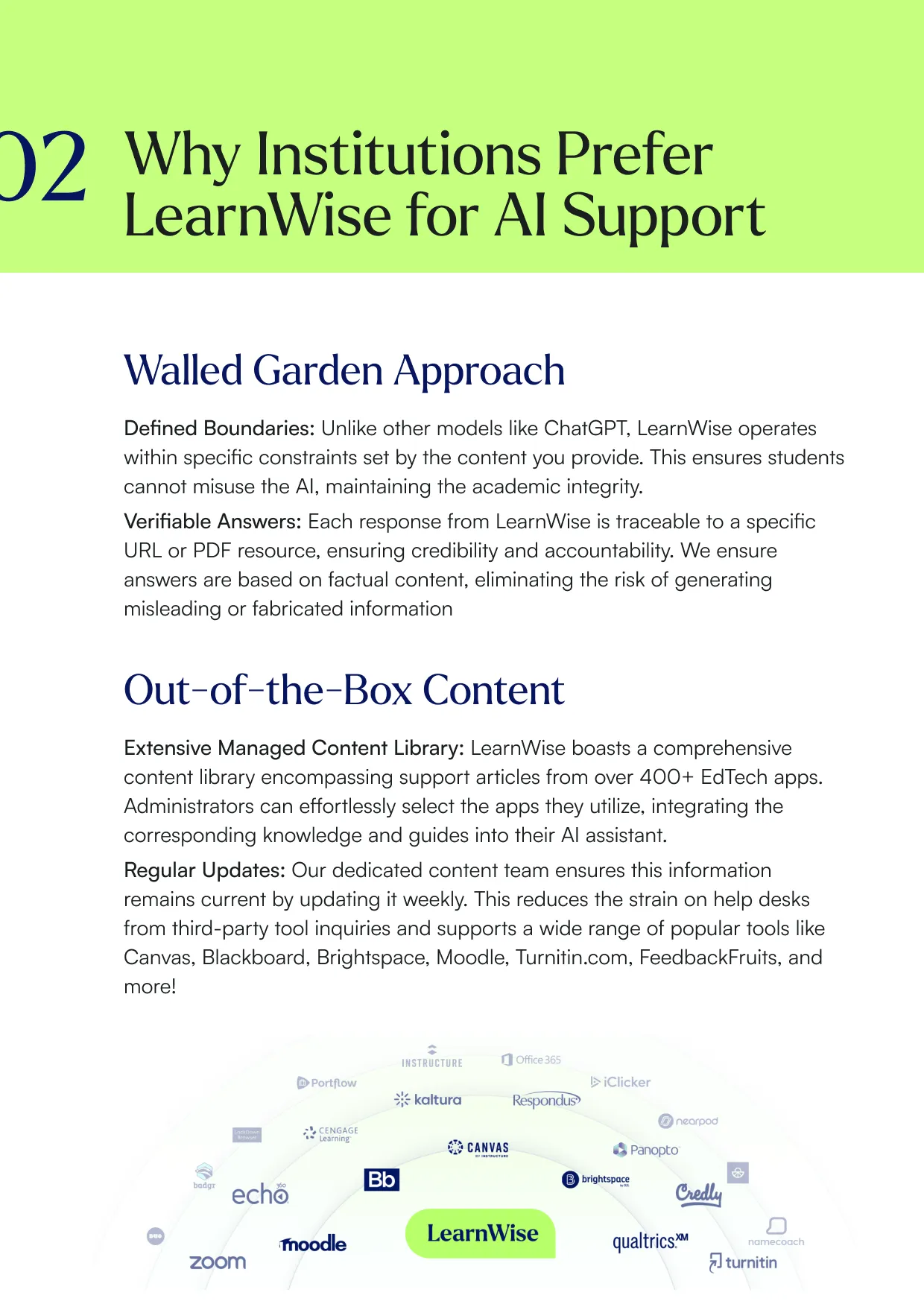
Learn why LearnWise is the best comprehensive AI support suite for institutions like yours.


Download the whitepaper
Explore our full integration guide to learn how LearnWise and D2L work together to streamline course delivery, support, and assessment.


Download the whitepaper
Explore our full integration guide to learn how LearnWise AI works in Blackboard to streamline support, teaching and learning.

Download the whitepaper
Explore our full integration guide to learn how LearnWise AI works in Microsoft Teams to streamline support and learning.
Download whitepaper
Explore our full integration guide to learn how LearnWise AI works in Moodle to streamline support, learning and assessment.

Download whitepaper
Explore our full integration guide to learn how LearnWise AI works in Moodle to streamline support, learning and assessment.

Download the whitepaper
Explore our full integration guide to learn how LearnWise and D2L work together to streamline course delivery, support, and assessment.
Download the whitepaper
Explore our full integration guide to learn how LearnWise AI works in Blackboard to streamline support, teaching and learning.
Download the whitepaper
Explore our full integration guide to learn how LearnWise AI works in Microsoft Teams to streamline support and learning.
Download whitepaper
Explore our full integration guide to learn how LearnWise AI works in Moodle to streamline support, learning and assessment.
FAQ
Common questions, answered.
How long is the product demo?


Most demos last between 30-45 minutes, with additional time available for questions, discussion, and platform-specific use cases.
Is the demo tailored to our institution?
Yes. We build the session around the products and use cases most relevant to you, with examples that reflect how your institution actually works rather than a generic walkthrough. Tell us your priorities in advance and we will focus the time there.
Who should attend the demo?
Bring whoever owns the problem you want to solve. That usually means a mix of the people who would use it day to day, such as LMS admins, student services, or faculty, plus someone who can speak to priorities and budget.
How quickly can LearnWise be implemented?
Faster than most institutions expect. Technical setup is typically 3 to 7 business days, with full onboarding in 3 to 5 weeks, and no coding is required. You can also roll out one product or one department at a time and expand from there.
Similar integration
See all


Kraanspoor 50, 1033 SE Amsterdam, Netherlands

