Content Hub
Overview
Transform your university websites and portals into AI-powered support hubs with seamless LearnWise integration.
How it works
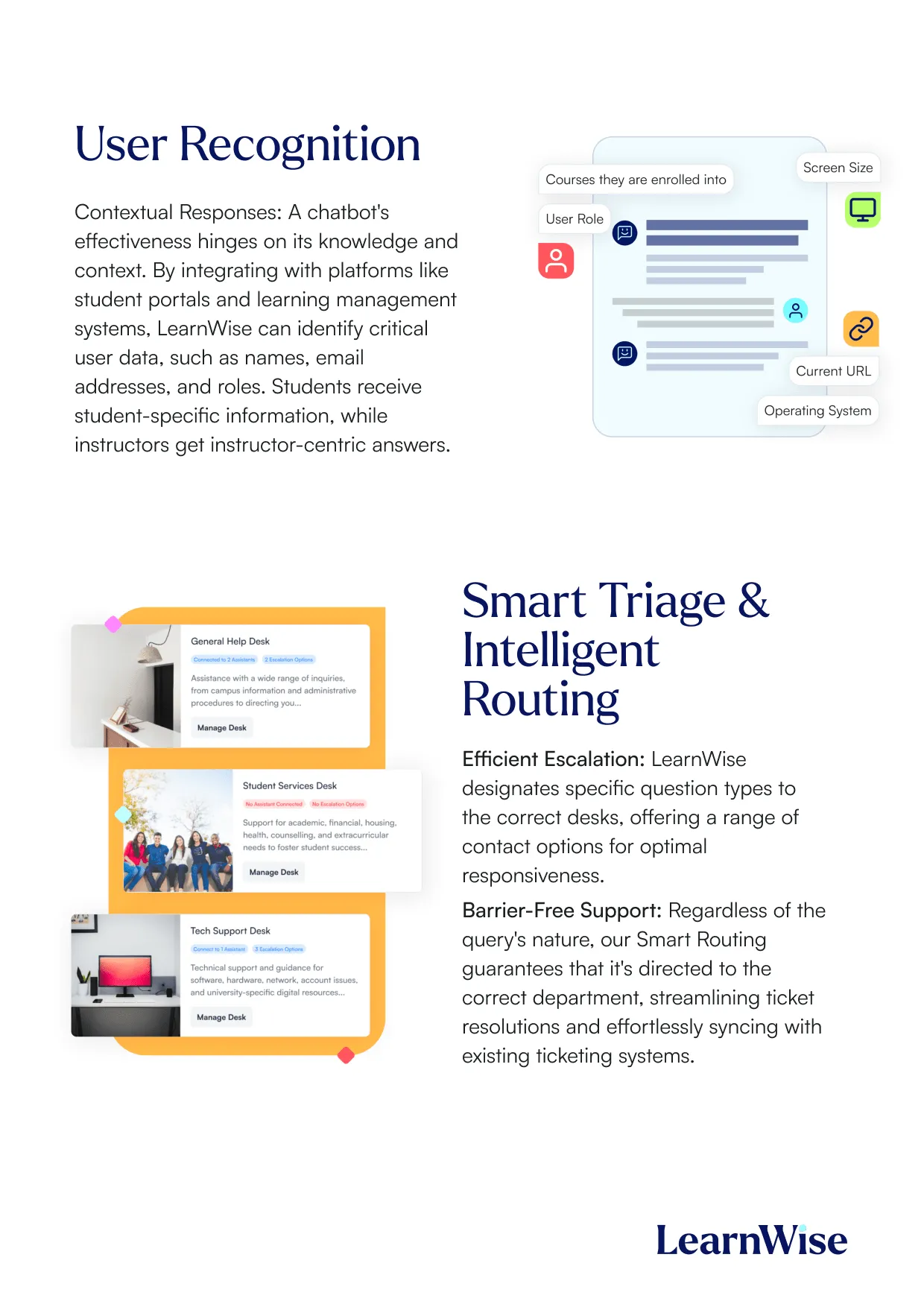
Universities often manage a wide range of websites and portals, from the main public site to private subdomains and internal platforms behind login walls. LearnWise AI integrates effortlessly into any of these environments, providing intelligent, context-aware support to students, faculty, and alumni. Whether you need to enhance a specific page or enable AI across your entire digital ecosystem, LearnWise ensures your users get instant, personalized assistance exactly where they need it. How It Works:
- Flexible Content Capture:
- LearnWise AI can access content from your entire website or focus on select pages, depending on your needs.
- Example: Integrate support for key areas like admissions, financial aid, alumni services, or specific department subdomains.
- Customizable Deployment Options:
- Floating Button: Embed a discreet but highly accessible support button that offers AI-driven assistance across your site.
- Embedded iFrame: Place LearnWise AI directly within specific pages, such as FAQ sections, student dashboards, or alumni portals.
- Contextual Intelligence:
- LearnWise AI dynamically detects where users are on your website or portal and tailors its responses to their context.
- Example: A student struggling to register for classes on the portal receives step-by-step guidance specific to the registration page.
- Behind-the-Login Compatibility:
- For private or secure subdomains, LearnWise seamlessly integrates to provide the same high-quality AI assistance while respecting your security protocols.
- Improved User Experience:
- By offering instant support, LearnWise reduces user frustration and improves engagement. Whether answering frequently asked questions or resolving tech issues, LearnWise ensures users can navigate your sites with ease.
Why Choose LearnWise?
Total Flexibility: LearnWise adapts to your website’s structure, working across public pages, private portals, and isolated subdomains to provide consistent support. Seamless Integration: Choose between a floating button or embedded iFrame to match your site’s design and user experience. Context-Aware Assistance: Users receive responses tailored to their current page or activity, improving accuracy and relevance. Scalable for All Needs: From a single landing page to an entire digital ecosystem, LearnWise scales to meet your institution's requirements. Enhanced Self-Service: Help users find answers without contacting support, reducing the workload on your teams while empowering students and faculty.


Unify and streamline your internal support processes.
Boost engagement and efficiency at your university by connecting all your essential EdTech tools to LearnWise.
Try it nowDownload the whitepaper
Explore our guide to learn how LearnWise AI works in your platform.
Get the whitepaperDownload the study
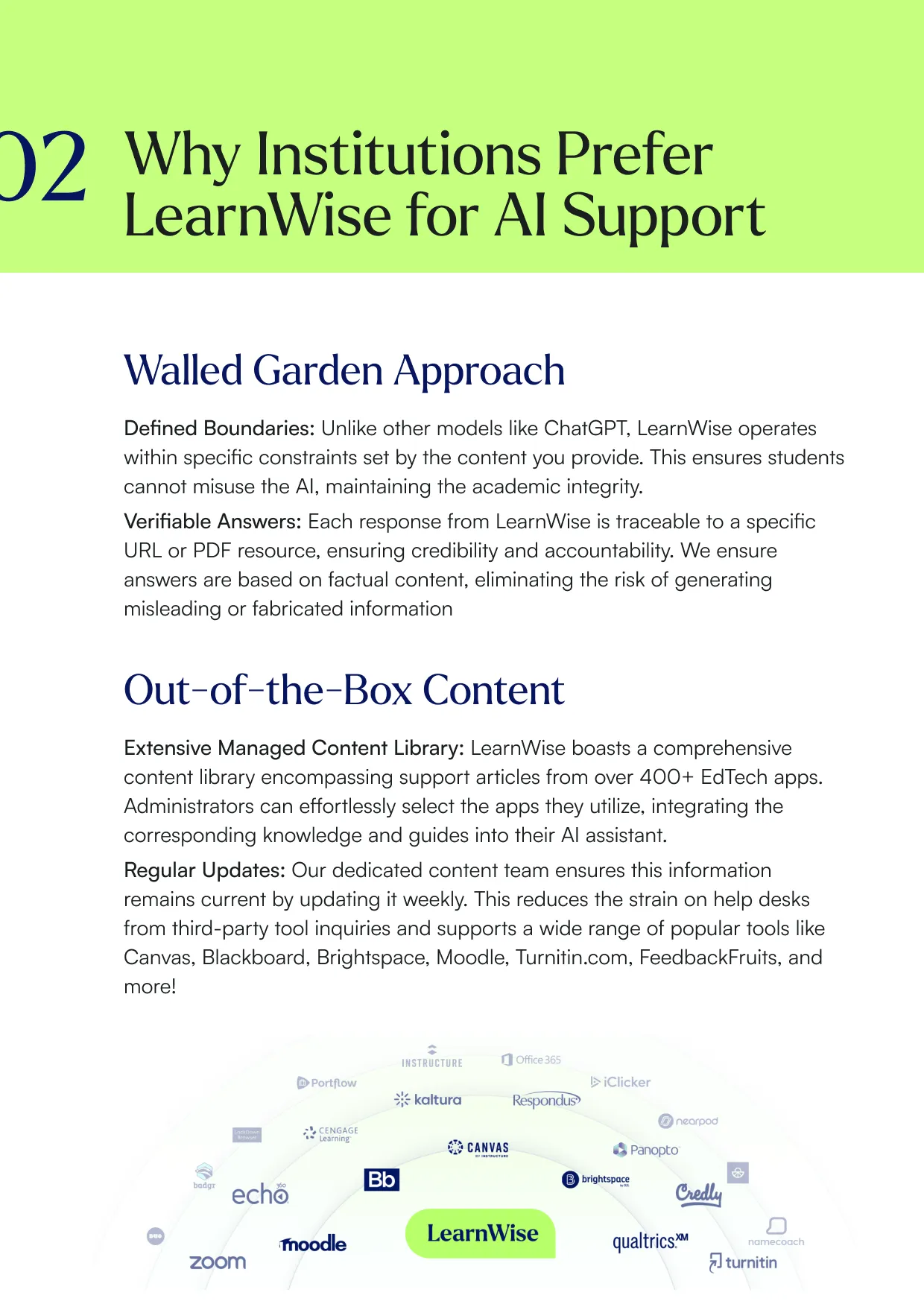
Learn why LearnWise is the best comprehensive AI support suite for institutions like yours.


Download the whitepaper
Explore our full integration guide to learn how LearnWise and D2L work together to streamline course delivery, support, and assessment.


Download the whitepaper
Explore our full integration guide to learn how LearnWise AI works in Blackboard to streamline support, teaching and learning.
Download the whitepaper
Explore our full integration guide to learn how LearnWise AI works in Microsoft Teams to streamline support and learning.
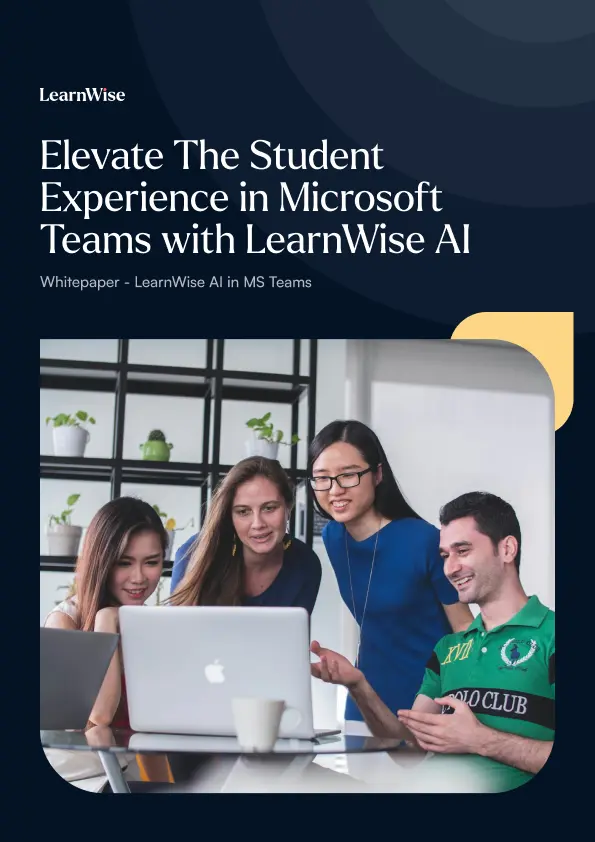
Download whitepaper
Explore our full integration guide to learn how LearnWise AI works in Moodle to streamline support, learning and assessment.
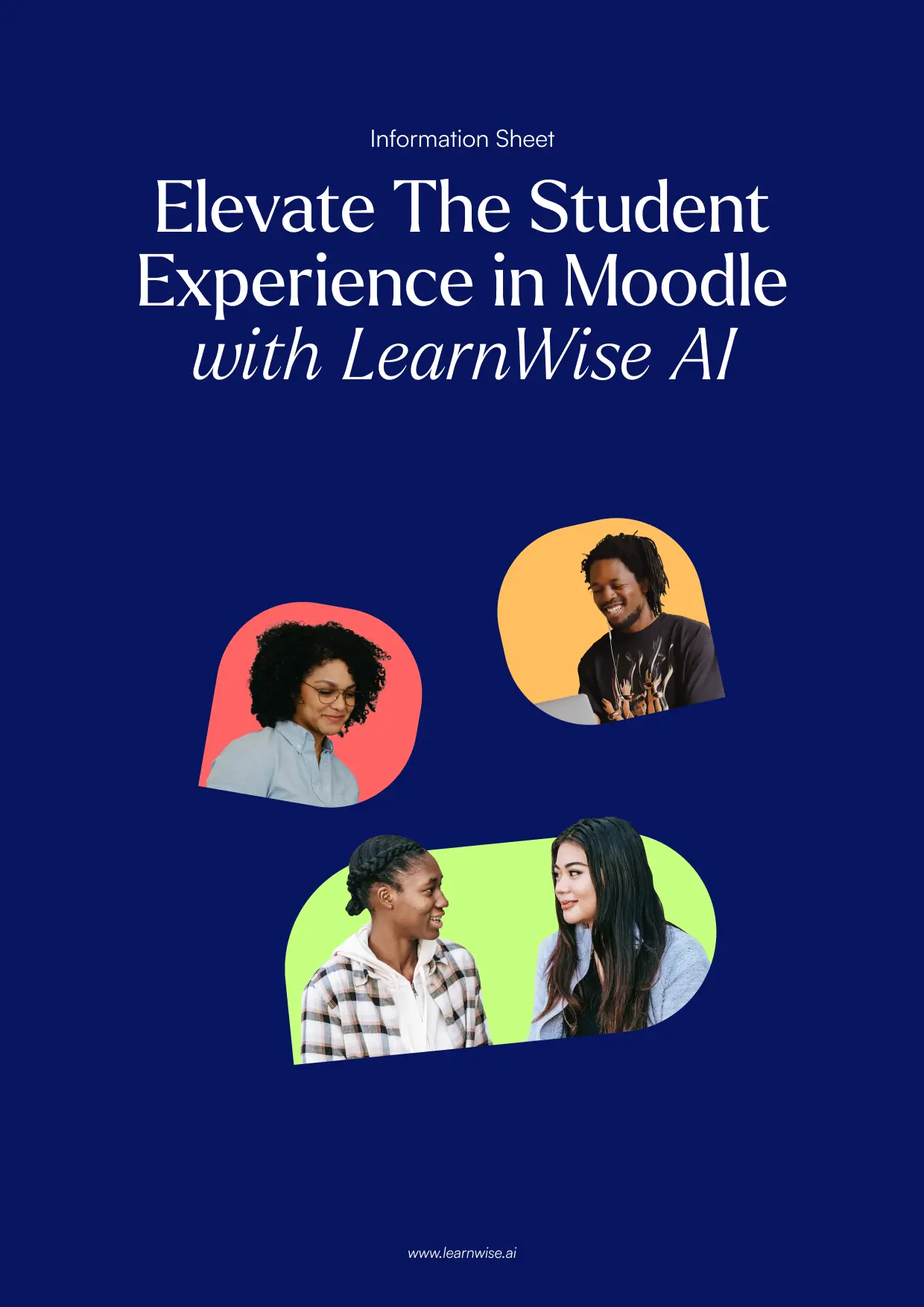
Download whitepaper
Explore our full integration guide to learn how LearnWise AI works in Moodle to streamline support, learning and assessment.
Download the whitepaper
Explore our full integration guide to learn how LearnWise and D2L work together to streamline course delivery, support, and assessment.
Download the whitepaper
Explore our full integration guide to learn how LearnWise AI works in Blackboard to streamline support, teaching and learning.
Download the whitepaper
Explore our full integration guide to learn how LearnWise AI works in Microsoft Teams to streamline support and learning.
Download whitepaper
Explore our full integration guide to learn how LearnWise AI works in Moodle to streamline support, learning and assessment.
FAQ
Common questions, answered.
How long is the product demo?


Most demos last between 30-45 minutes, with additional time available for questions, discussion, and platform-specific use cases.
Is the demo tailored to our institution?
Yes. We build the session around the products and use cases most relevant to you, with examples that reflect how your institution actually works rather than a generic walkthrough. Tell us your priorities in advance and we will focus the time there.
Who should attend the demo?
Bring whoever owns the problem you want to solve. That usually means a mix of the people who would use it day to day, such as LMS admins, student services, or faculty, plus someone who can speak to priorities and budget.
How quickly can LearnWise be implemented?
Faster than most institutions expect. Technical setup is typically 3 to 7 business days, with full onboarding in 3 to 5 weeks, and no coding is required. You can also roll out one product or one department at a time and expand from there.
Similar integration
See all







Kraanspoor 50, 1033 SE Amsterdam, Netherlands