
Content-Hub
Überblick
Google Drive is a cloud based storage platform, that es individual persons and institutions allows, documents, presentations, tables and more to save, share and together to work. With the Learnwise-KI-integration are saved teaching materials, institutions documents and school resources are immediately through and interactive in Google Drive.
LearnWise AI provides a connection to your drive environment here and versteht den Kontext Ihrer Dateien. So can you provide questions, create zusammenfassungen and important information in echtzeit abrufen. Egal, ob Sie ein Fakultätsmitglied sind, die früheren Lehrpläne überprüft haben, oder ein Student, der sich auf Prüfungen vorbereitet hat, liefert der KI-Assistent sofortige, genaue Antworten, die auf den Inhalt Ihrer Institution basieren.
So funktioniert's
1. Verbinden Sie LearnWise AI mit Ihrem Google Drive-Arbeitsbereich
- Probiert den sicheren Zugriff auf geteilte Laufwerke, Ordner und benutzerspezifische Dateien in Google Drive
2. Abrufen der Portalinhalte, um die KI-Assistenten zu trainieren
- LearnWise ruft relevante Informationen aus Google Drive ab, um die Reaktionen des KI-Assistenten zu trainieren.
- Dadurch wird sichergestellt, dass die Schüler genaue Antworten erhalten, die auf die neuesten Ressourcen wie Dokumente, Folien, PDFs, Tabellenkalkulationen und mehr in Google Drive basieren.
3. Inbettung des KI-Assistenten in die Kurse
- The Learnwise-KI-Assistent can be embedded in the courses, sodass die Studierenden von Google Drive problemlos auf die benötigten Kursinhalte zugreifen können, ohne ihre Kursseite verlassen zu müssen.
4. Personalisierter Support mithilfe von Studenteninformationen
- LearnWise erkennt die Daten des Schülers wie Name und E-Mail-Adresse, um die Antworten zu personalisieren und eine ansprechende Support-Umgebung zu schaffen.
5. Gewährleistung der Datensicherheit
- Files never leave Your Google Drive. LearnWise speichert nur die semantischen Fingerprints, die für die Suche erforderlich sind, sodass die Daten den bestehenden Sicherheits- und Compliance-Kontrollen von Google unterliegen.
Warum sollten Sie sich für LearnWise entscheiden?
The integration of LearnWise in Google Cloud macht Ihr Google Drive zu einer intelligenten Wissensdatenbank für akademische und betriebliche Inhalte. LearnWise AI allows users to natural way with documents, without each file must open manual.
Benefits of integration of LearnWise AI to Google Drive:
- Portalinterner, sofortiger Support: Greifen Sie direkt in die Kurse der KI-Assistenten ein und unterstützen Sie die Studierenden in Echtzeit bei der Verwendung der Inhalte in Google Drive.
- Dynamisches KI-Training aus Google Drive-Inhalten: Ruft Content from Google Drive ab und gewährleistet so einen genauen und relevanten Support.
- Personalisierte Interaktion mit Studierenden: Use the information of the school, to cut the responses individual and to improve the support experiences.
- Verbesserte Ressourcennavigation: Hilft Schülern, in Google Drive schnell zu finden, was sie benötigen, und steigert das Engagement und die Zufriedenheit.
Supporter students with LearnWise and Google Drive and provide them nahtlosen, personalisierten Support, der ihr Campuserlebnis verbessert und sie mit wichtigen Ressourcen verbindet.

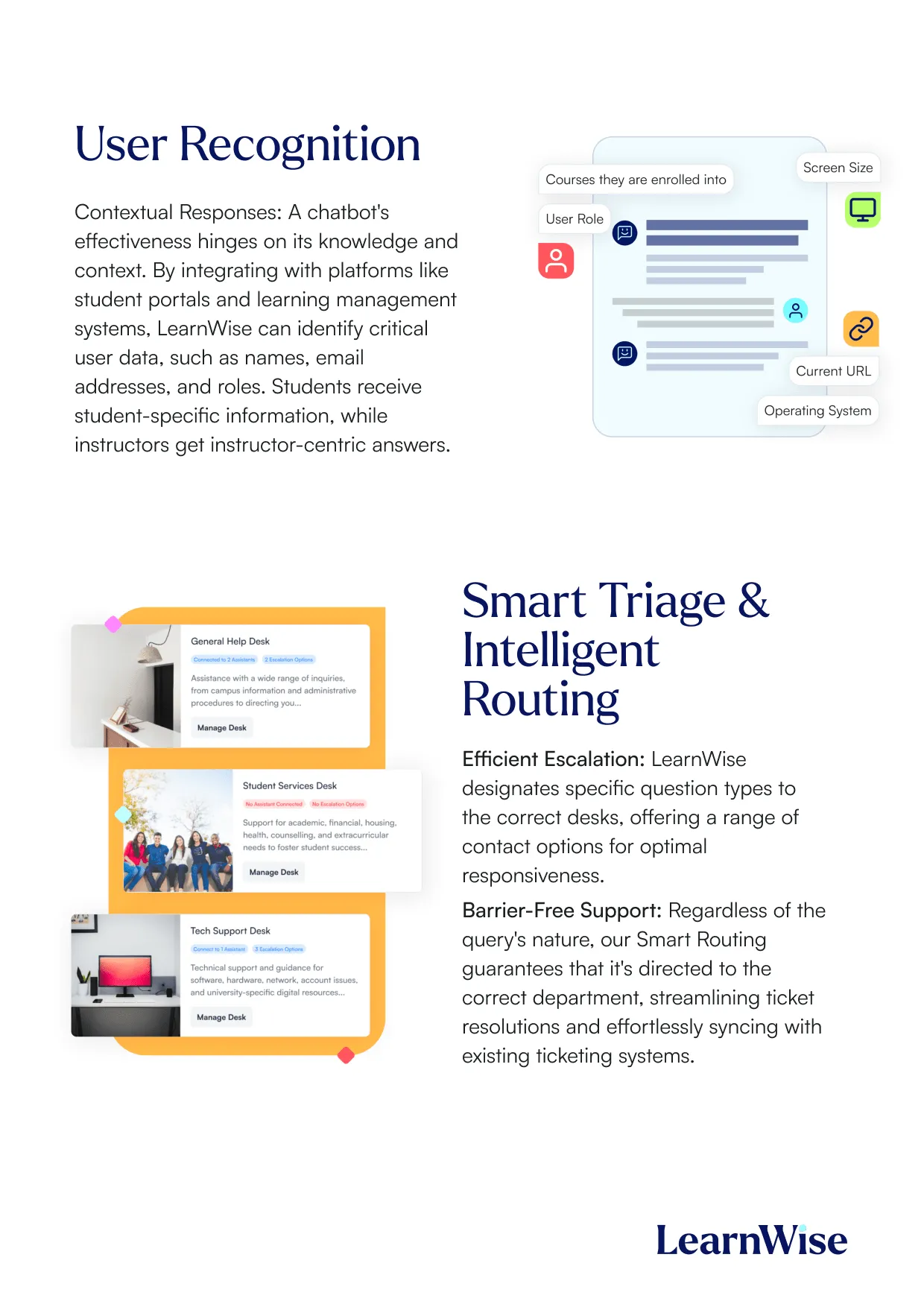
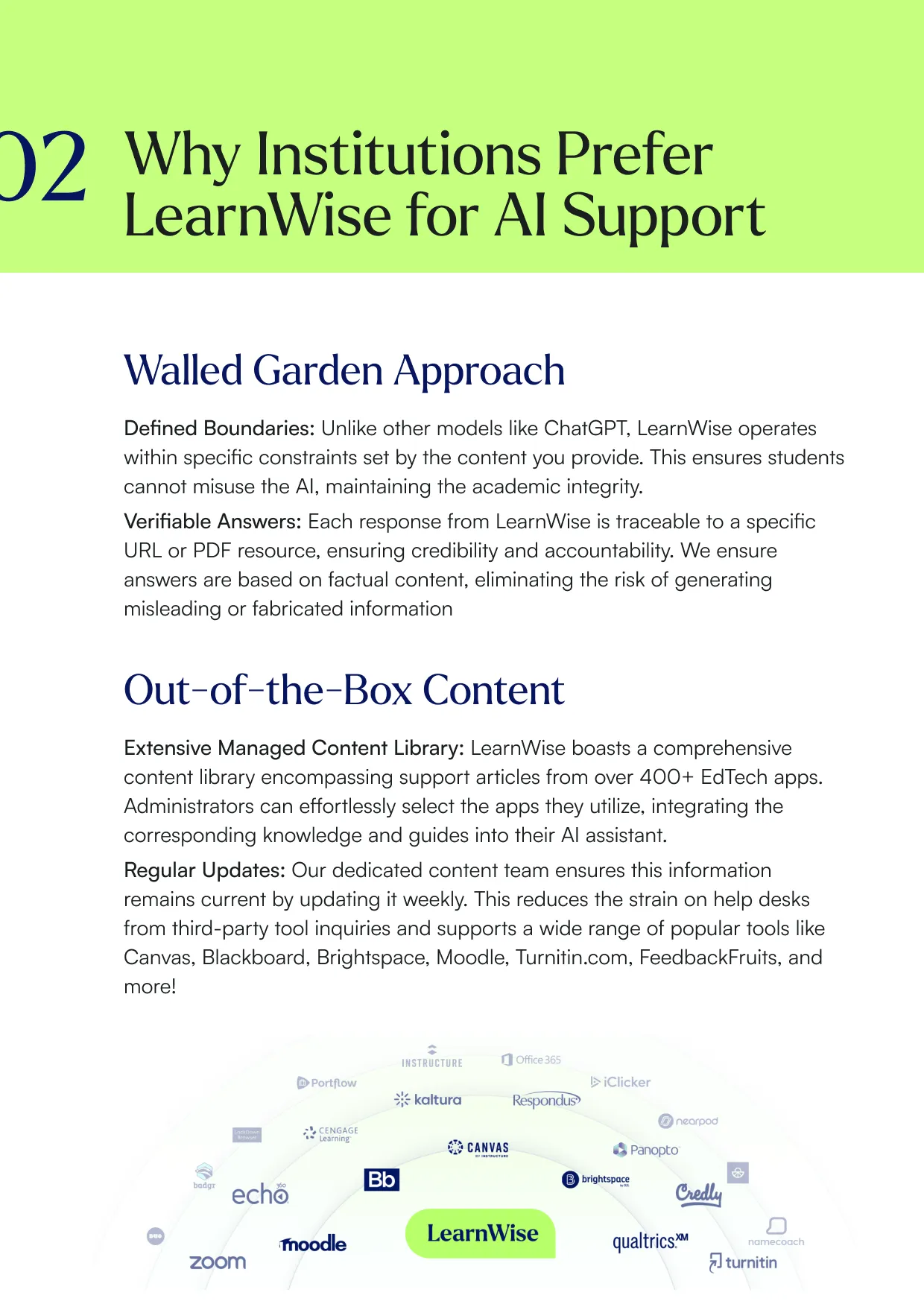
Erstellen Sie einen KI-Assistenten zur Unterstützung Ihres Campus
Boost engagement and efficiency at your university by connecting all your essential EdTech tools to LearnWise.
Try it nowVereinheitlichen und optimieren Sie Ihre internen Supportprozesse.
Steigern Sie das Engagement und die Effizienz an Ihrer Universität, indem Sie all Ihre wichtigen EdTech-Tools mit LearnWise verbinden.
Eine Demo buchenLaden Sie die Studie herunter
Erfahren Sie, warum LearnWise die beste umfassende KI-Support-Suite für Institutionen wie Ihre ist.


Whitepaper herunterladen
Lesen Sie unseren vollständigen Integrationsleitfaden, um zu erfahren, wie LearnWise und D2L zusammenarbeiten, um die Kursbereitstellung, den Support und die Bewertung zu optimieren.


Download the whitepaper
Explore our full integration guide to learn how LearnWise AI works in Blackboard to streamline support, teaching and learning.
Download the whitepaper
Explore our full integration guide to learn how LearnWise AI works in Microsoft Teams to streamline support and learning.
Whitepaper herunterladen
In unserem vollständigen Integrationsleitfaden erfahren Sie, wie LearnWise AI in Moodle funktioniert, um Support, Lernen und Bewertung zu optimieren.
Download whitepaper
Explore our full integration guide to learn how LearnWise AI works in Moodle to streamline support, learning and assessment.
Download the whitepaper
Explore our full integration guide to learn how LearnWise and D2L work together to streamline course delivery, support, and assessment.
Download the whitepaper
Explore our full integration guide to learn how LearnWise AI works in Blackboard to streamline support, teaching and learning.
Download the whitepaper
Explore our full integration guide to learn how LearnWise AI works in Microsoft Teams to streamline support and learning.
Download whitepaper
Explore our full integration guide to learn how LearnWise AI works in Moodle to streamline support, learning and assessment.
FAQ
Common questions, answered.
How long is the product demo?


Most demos last between 30-45 minutes, with additional time available for questions, discussion, and platform-specific use cases.
Is the demo tailored to our institution?
Yes. We build the session around the products and use cases most relevant to you, with examples that reflect how your institution actually works rather than a generic walkthrough. Tell us your priorities in advance and we will focus the time there.
Who should attend the demo?
Bring whoever owns the problem you want to solve. That usually means a mix of the people who would use it day to day, such as LMS admins, student services, or faculty, plus someone who can speak to priorities and budget.
How quickly can LearnWise be implemented?
Faster than most institutions expect. Technical setup is typically 3 to 7 business days, with full onboarding in 3 to 5 weeks, and no coding is required. You can also roll out one product or one department at a time and expand from there.
Ähnliche Integration
Alles ansehen


Kraanspoor 50, 1033 SE Amsterdam, Niederlande

