Content-Hub

Nextcloud

Überblick

Nextcloud ist eine Open-Source-Plattform für die Zusammenarbeit an Inhalten, die Einrichtungen auf eigenen Servern oder in der Cloud betreiben können. Sie bietet Teams einen zentralen Ort zum Speichern, Teilen und Bearbeiten von Dateien, während die volle Kontrolle über den Speicherort der Daten gewahrt bleibt.

Mit der LearnWise-Integration werden in Nextcloud gespeicherte Dateien zur Wissensquelle für KI-Campus-Support, KI-Studententutor sowie den AI Ops Assistant. Ein Administrator verbindet Nextcloud und wählt aus, welche Dateien der jeweilige Assistent verwenden darf. Die Antworten basieren dann auf Dokumenten, die die Einrichtung bereits pflegt, wie etwa Richtlinien, Kursmaterialien und Serviceleitfäden.

So funktioniert's

  • Verbinden Sie Ihren Nextcloud-Server
    • Geben Sie die Serveradresse, einen Nextcloud-Benutzernamen und ein App-Passwort mit Zugriff auf die entsprechenden Dateien an. Cloud- und selbst gehostete Instanzen werden unterstützt, sofern LearnWise den Server erreichen kann.
  • Wählen Sie Dateien für jeden Assistenten aus
    • Wählen Sie unter „Wissen“ → „Anwendungen“ aus, welche Nextcloud-Dateien der jeweilige Assistent verwenden soll. Es werden keine Daten importiert, bevor ein Administrator sie nicht explizit ausgewählt hat.
  • Nutzen Sie Ihre Dateien für verschiedene Assistenten
    • AI Campus Support, AI Student Tutor und AI Ops Assistant beantworten Anfragen auf Basis der von Ihnen ausgewählten Dateien.

Warum sollten Sie sich für LearnWise entscheiden?

Diese Integration ermöglicht es Einrichtungen, die bereits auf Nextcloud setzen, diese Dateien als KI-Wissensbasis zu nutzen, wobei Administratoren entscheiden, worauf jeder Assistent zugreifen darf.

  • Unterstützt Cloud-gehostete und selbst gehostete Nextcloud-Instanzen
  • Funktioniert über Ihre bestehenden LearnWise-Wissenszugriffs- und Administratorberechtigungen, ohne separate Aktivierung
  • Server, die nur innerhalb eines privaten Campus-Netzwerks erreichbar sind, erfordern vor der Einrichtung eine Prüfung der Konnektivität

Schritt-für-Schritt-Anleitungen finden Sie im Einrichtungsleitfaden.
Documentation
Documentation
Entwickler
Nextcloud GmbH
Erstellen Sie einen KI-Assistenten zur Unterstützung Ihres Campus

Boost engagement and efficiency at your university by connecting all your essential EdTech tools to LearnWise.

Try it now
Vereinheitlichen und optimieren Sie Ihre internen Supportprozesse.

Steigern Sie das Engagement und die Effizienz an Ihrer Universität, indem Sie all Ihre wichtigen EdTech-Tools mit LearnWise verbinden.

Eine Demo buchen

Laden Sie die Studie herunter

Erfahren Sie, warum LearnWise die beste umfassende KI-Support-Suite für Institutionen wie Ihre ist.
Mit dem Absenden dieses Formulars erklären Sie sich damit einverstanden, dass wir Ihre personenbezogenen Daten verwenden, um Ihre Anfrage zu beantworten. Lesen Sie unsere Datenschutzrichtlinie.
Thanks, check your inbox for the resource!
Oops! Something went wrong while submitting the form.
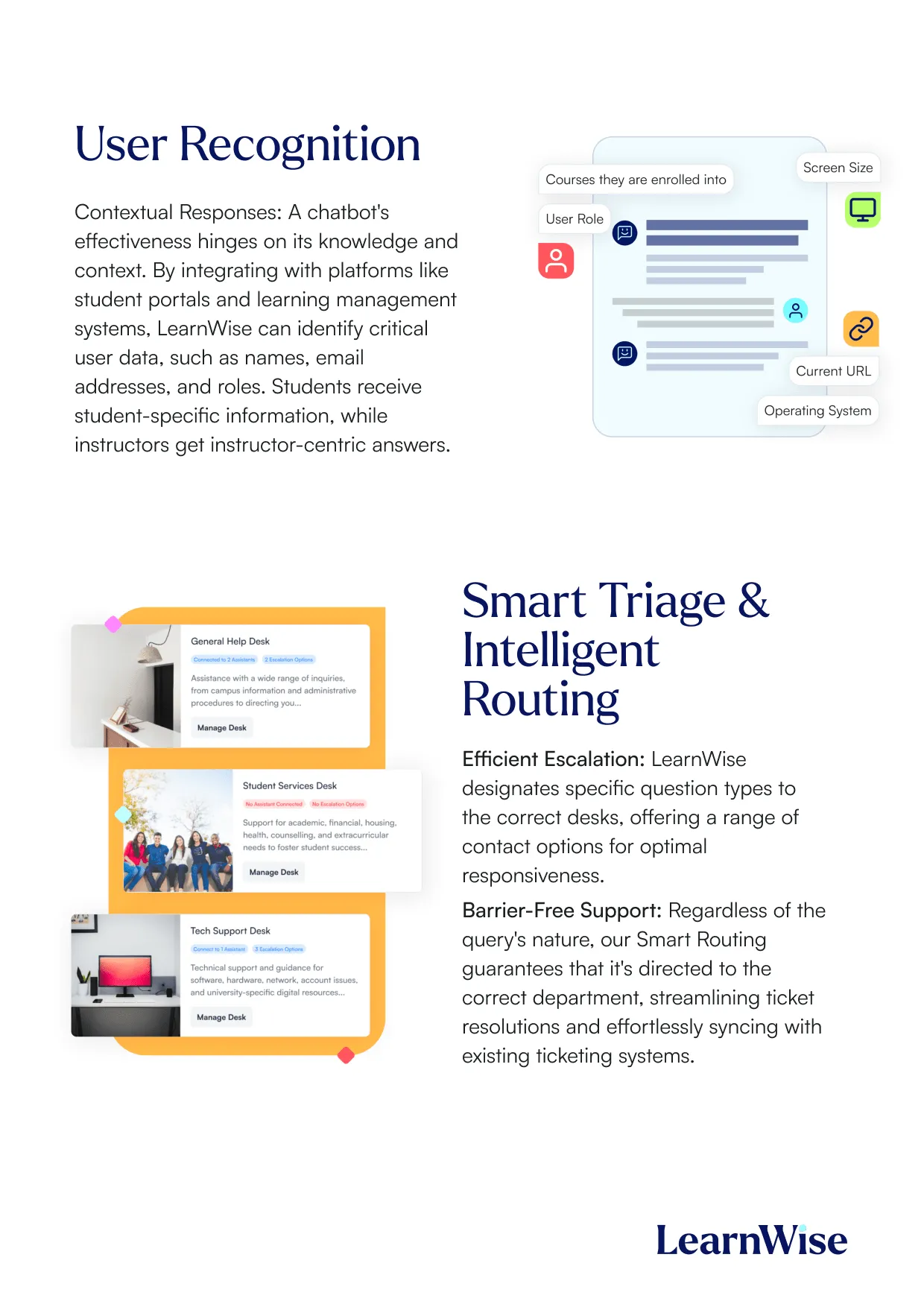
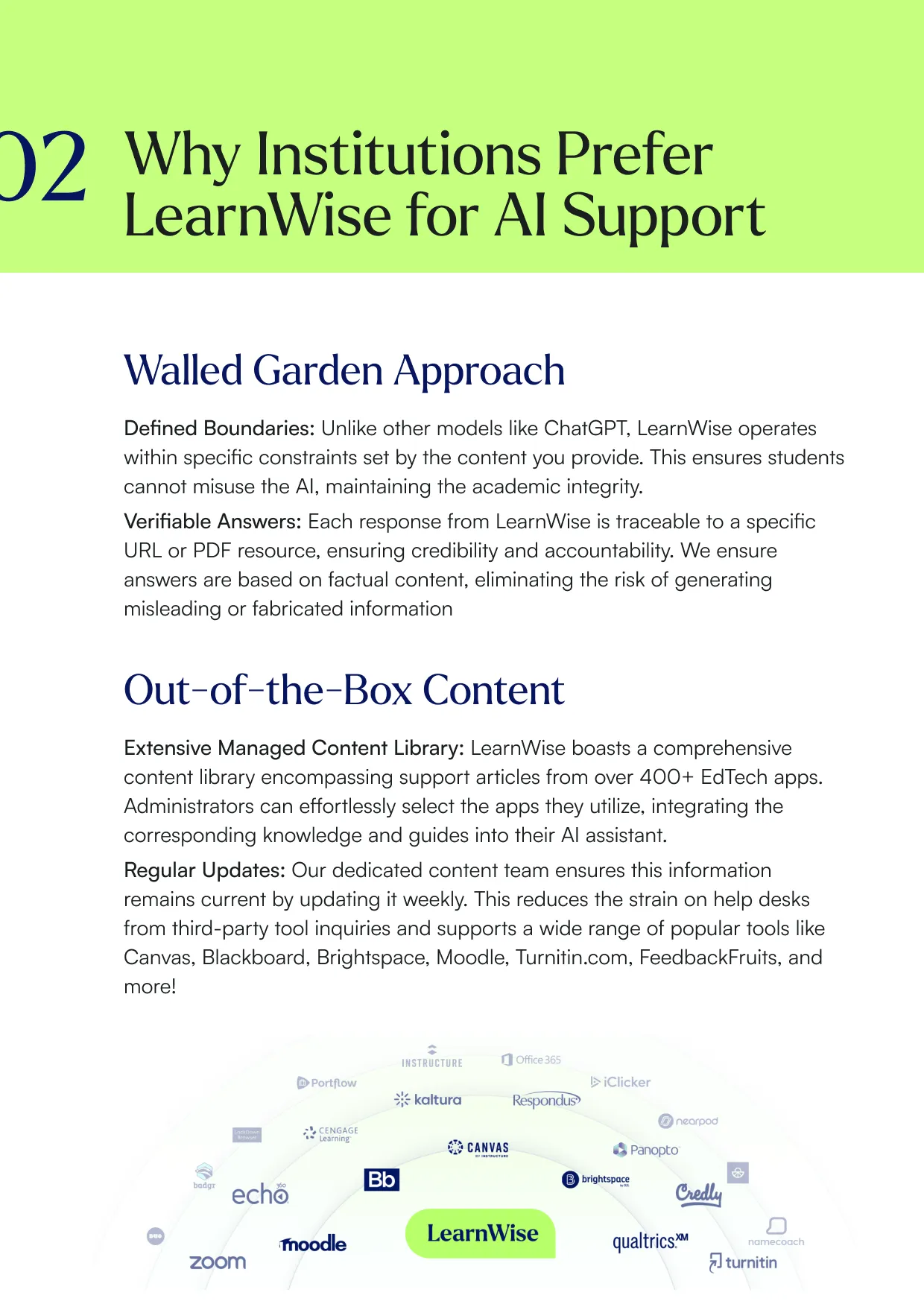
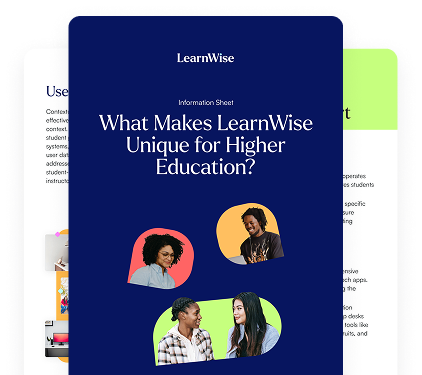
LearnWise information sheet titled 'What Makes LearnWise Unique for Higher Education?' with diverse student images.Overview of LearnWise user recognition and smart triage with chatbot responses and intelligent support routing.Text explaining why institutions prefer LearnWise for AI support with sections on Walled Garden and Out-of-the-Box Content.

Whitepaper herunterladen

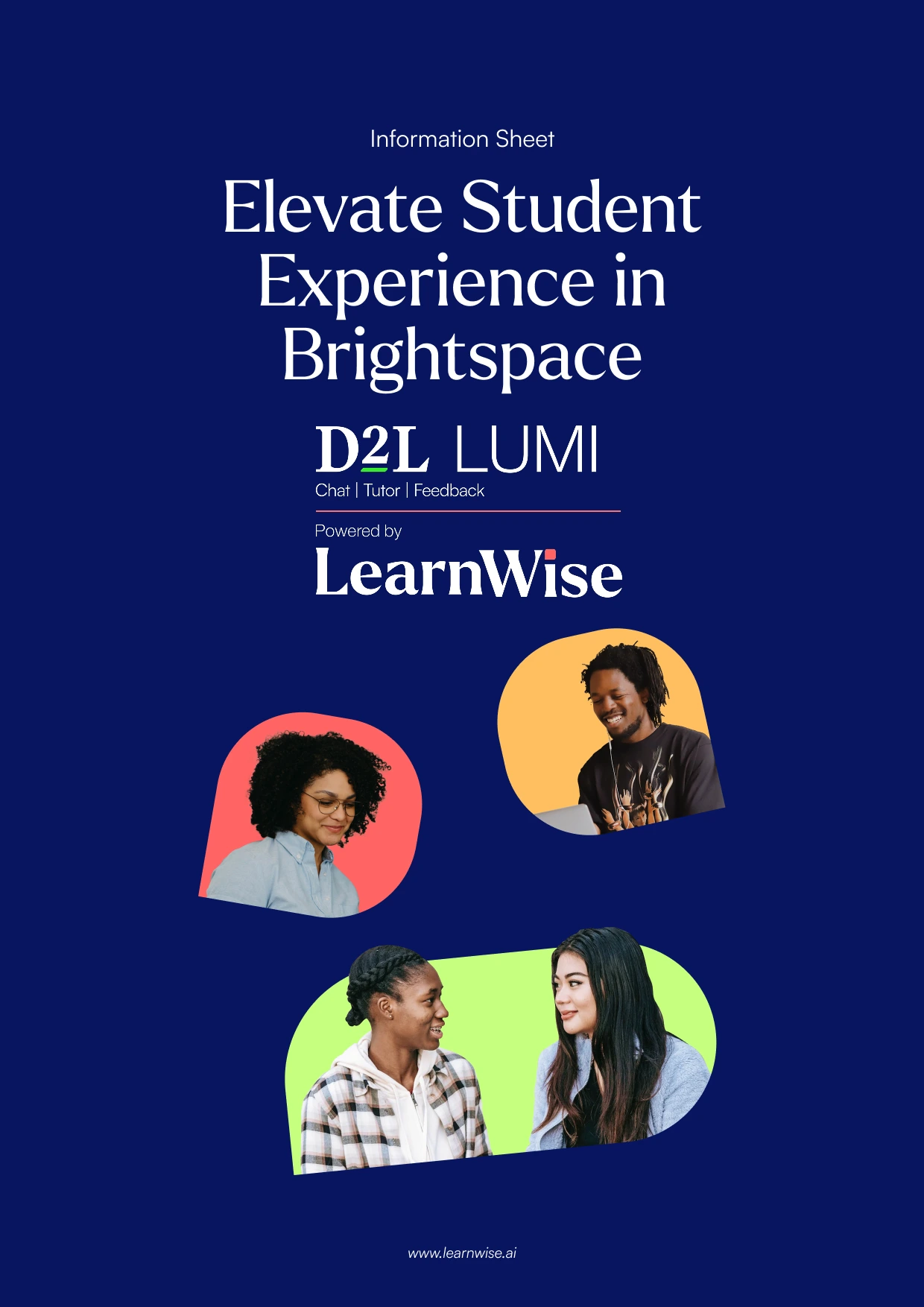
Lesen Sie unseren vollständigen Integrationsleitfaden, um zu erfahren, wie LearnWise und D2L zusammenarbeiten, um die Kursbereitstellung, den Support und die Bewertung zu optimieren.
Mit dem Absenden dieses Formulars erklären Sie sich damit einverstanden, dass wir Ihre personenbezogenen Daten verwenden, um Ihre Anfrage zu beantworten. Lesen Sie unsere Datenschutzrichtlinie.
Thanks, check your inbox for the resource!
Oops! Something went wrong while submitting the form.
Information sheet titled Elevate Student Experience in Brightspace with D2L LUMI and LearnWise logos.Text about digital learning and AI support with images of students studying and using laptops.Two students working on laptops promoting AI study buddy and 24/7 accessible course support by LearnWise.

Download the whitepaper

Explore our full integration guide to learn how LearnWise AI works in Blackboard to streamline support, teaching and learning.
By submitting this form, you consent to us using your personal data to respond to your inquiry. Read our Privacy Policy.
Thanks, check your inbox for the resource!
Oops! Something went wrong while submitting the form.
Cover with title Elevate The Student Experience in Blackboard with LearnWise AI and photos of diverse students.Text about digital learning and AI support with images of students studying and using laptops.Two students working on laptops promoting AI study buddy and 24/7 accessible course support by LearnWise.

Download the whitepaper

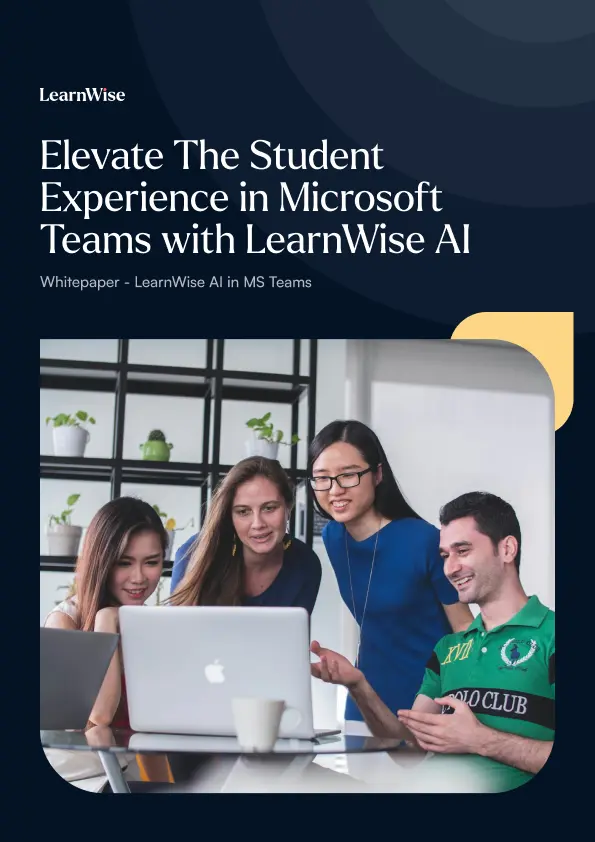
Explore our full integration guide to learn how LearnWise AI works in Microsoft Teams to streamline support and learning.
By submitting this form, you consent to us using your personal data to respond to your inquiry. Read our Privacy Policy.
Thanks, check your inbox for the resource!
Oops! Something went wrong while submitting the form.
Four diverse students gathered around a laptop, collaborating and smiling in a modern room.Text about digital learning and AI support with images of students studying and using laptops.Two students working on laptops promoting AI study buddy and 24/7 accessible course support by LearnWise.

Whitepaper herunterladen

In unserem vollständigen Integrationsleitfaden erfahren Sie, wie LearnWise AI in Moodle funktioniert, um Support, Lernen und Bewertung zu optimieren.
Mit dem Absenden dieses Formulars erklären Sie sich damit einverstanden, dass wir Ihre personenbezogenen Daten verwenden, um Ihre Anfrage zu beantworten. Lesen Sie unsere Datenschutzrichtlinie.
Thanks, check your inbox for the resource!
Oops! Something went wrong while submitting the form.
Cover with text Elevate The Student Experience in Moodle with LearnWise AI and images of diverse students.Text about digital learning and AI support with images of students studying and using laptops.Two students working on laptops promoting AI study buddy and 24/7 accessible course support by LearnWise.

Download whitepaper

Explore our full integration guide to learn how LearnWise AI works in Moodle to streamline support, learning and assessment.
By submitting this form, you consent to us using your personal data to respond to your inquiry. Read our Privacy Policy.
Thanks, check your inbox for the resource!
Oops! Something went wrong while submitting the form.

Download the whitepaper

Explore our full integration guide to learn how LearnWise and D2L work together to streamline course delivery, support, and assessment.
By submitting this form, you consent to us using your personal data to respond to your inquiry. Read our Privacy Policy.
Thanks, check your inbox for the resource!
Oops! Something went wrong while submitting the form.
Information sheet titled Elevate Student Experience in Brightspace with D2L LUMI and LearnWise logos.Text about digital learning and AI support with images of students studying and using laptops.Two students working on laptops promoting AI study buddy and 24/7 accessible course support by LearnWise.

Download the whitepaper

Explore our full integration guide to learn how LearnWise AI works in Blackboard to streamline support, teaching and learning.
By submitting this form, you consent to us using your personal data to respond to your inquiry. Read our Privacy Policy.
Thanks, check your inbox for the resource!
Oops! Something went wrong while submitting the form.
Cover with title Elevate The Student Experience in Blackboard with LearnWise AI and photos of diverse students.Text about digital learning and AI support with images of students studying and using laptops.Two students working on laptops promoting AI study buddy and 24/7 accessible course support by LearnWise.

Download the whitepaper

Explore our full integration guide to learn how LearnWise AI works in Microsoft Teams to streamline support and learning.
By submitting this form, you consent to us using your personal data to respond to your inquiry. Read our Privacy Policy.
Thanks, check your inbox for the resource!
Oops! Something went wrong while submitting the form.
Four diverse students gathered around a laptop, collaborating and smiling in a modern room.Text about digital learning and AI support with images of students studying and using laptops.Two students working on laptops promoting AI study buddy and 24/7 accessible course support by LearnWise.

Download whitepaper

Explore our full integration guide to learn how LearnWise AI works in Moodle to streamline support, learning and assessment.
By submitting this form, you consent to us using your personal data to respond to your inquiry. Read our Privacy Policy.
Thanks, check your inbox for the resource!
Oops! Something went wrong while submitting the form.
Cover with text Elevate The Student Experience in Moodle with LearnWise AI and images of diverse students.Text about digital learning and AI support with images of students studying and using laptops.Two students working on laptops promoting AI study buddy and 24/7 accessible course support by LearnWise.
FAQ

Common questions, answered.

How long is the product demo?
arrow

Most demos last between 30-45 minutes, with additional time available for questions, discussion, and platform-specific use cases.

Is the demo tailored to our institution?
arrow

Yes. We build the session around the products and use cases most relevant to you, with examples that reflect how your institution actually works rather than a generic walkthrough. Tell us your priorities in advance and we will focus the time there.

Who should attend the demo?
arrow

Bring whoever owns the problem you want to solve. That usually means a mix of the people who would use it day to day, such as LMS admins, student services, or faculty, plus someone who can speak to priorities and budget.

How quickly can LearnWise be implemented?
arrow

Faster than most institutions expect. Technical setup is typically 3 to 7 business days, with full onboarding in 3 to 5 weeks, and no coding is required. You can also roll out one product or one department at a time and expand from there.