Centro de contenido

Nextcloud

Overview

Nextcloud es una plataforma de colaboración de contenido de código abierto que las instituciones pueden ejecutar en sus propios servidores o en la nube. Ofrece a los equipos un espacio centralizado para almacenar, compartir y trabajar con archivos, manteniendo el control sobre dónde se alojan sus datos.

Con la integración de LearnWise, los archivos almacenados en Nextcloud se convierten en conocimiento para Apoyo integral en el campus con IA, Tutor estudiantil con IA y el Asistente de Operaciones de IA. Un administrador conecta Nextcloud y selecciona qué archivos puede utilizar cada asistente. De este modo, las respuestas se basan en documentos que la institución ya gestiona, como normativas, materiales de cursos y guías de servicio.

How it works

  • Conecte su servidor Nextcloud
    • Proporcione la dirección del servidor, un nombre de usuario de Nextcloud y una contraseña de aplicación con acceso a los archivos correspondientes. Se admiten instancias en la nube y autohospedadas, siempre que LearnWise pueda acceder al servidor.
  • Seleccione archivos para cada asistente
    • En Conocimiento → Aplicaciones, elija qué archivos de Nextcloud utiliza cada asistente. No se importa nada hasta que un administrador lo selecciona.
  • Utilice sus archivos en todos los asistentes
    • El Soporte de IA para el Campus, el Tutor de IA para Estudiantes y el Asistente de Operaciones de IA responden utilizando los archivos que usted haya seleccionado.

Why Choose LearnWise?

Esta integración permite a las instituciones que ya utilizan Nextcloud aprovechar esos archivos como base de conocimiento para la IA, dejando que los administradores decidan qué información puede consultar cada asistente.

  • Compatible con Nextcloud en la nube y autohospedado
  • Funciona a través de su acceso a Conocimiento de LearnWise y sus permisos de administrador existentes, sin necesidad de activaciones adicionales
  • Los servidores accesibles únicamente dentro de una red privada del campus requieren una comprobación de conectividad antes de la configuración

Consulte la guía de configuración para obtener instrucciones paso a paso.

Documentation
Documentation
Developer
Nextcloud GmbH
Cree un asistente de IA para apoyar a su campus

Boost engagement and efficiency at your university by connecting all your essential EdTech tools to LearnWise.

Pruébalo ahora
Download the whitepaper

Explore our guide to learn how LearnWise AI works in your platform.

Get the whitepaper

Download the study

Learn why LearnWise is the best comprehensive AI support suite for institutions like yours.
By submitting this form, you consent to us using your personal data to respond to your inquiry. Read our Privacy Policy.
Thanks, check your inbox for the resource!
Oops! Something went wrong while submitting the form.
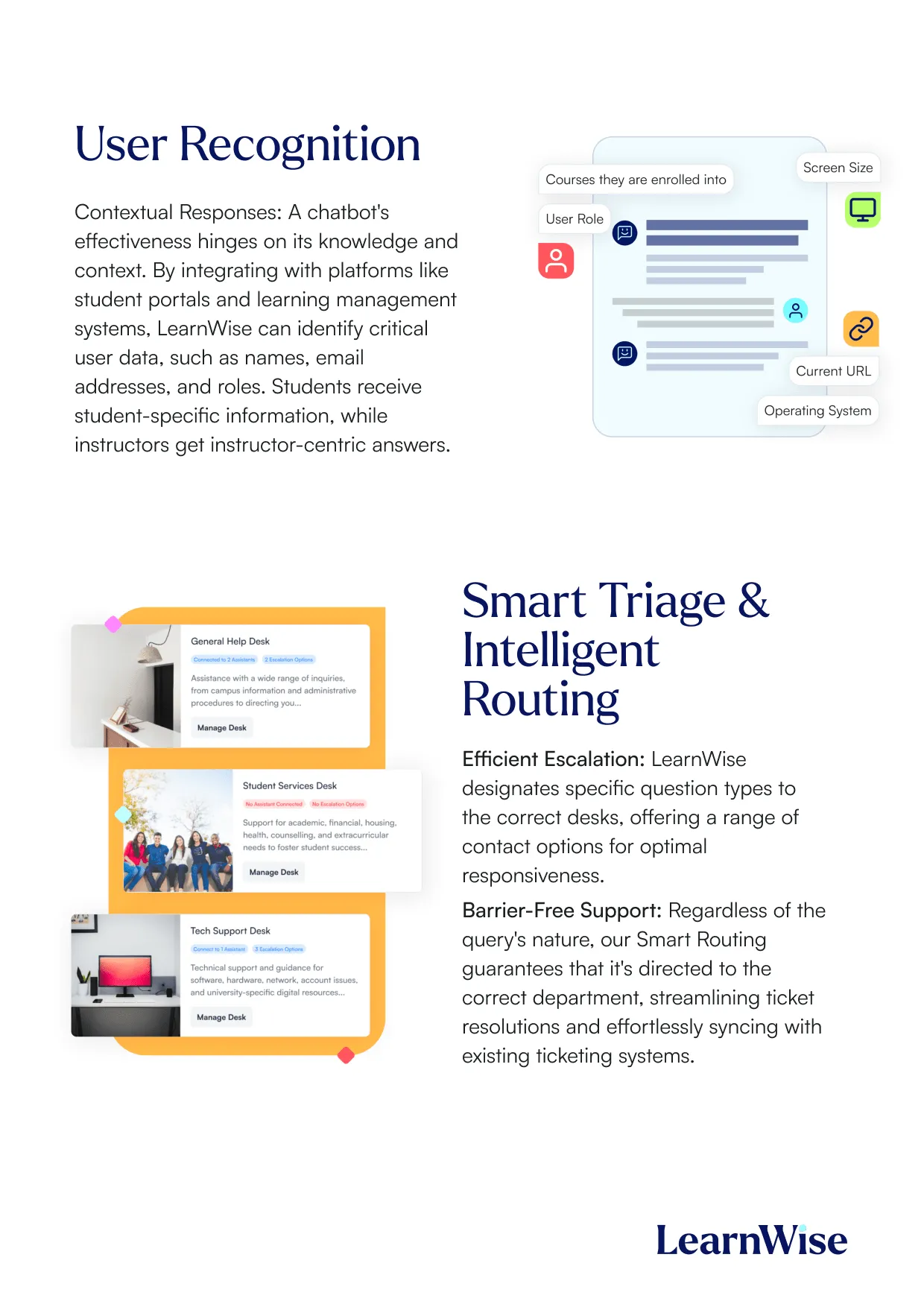
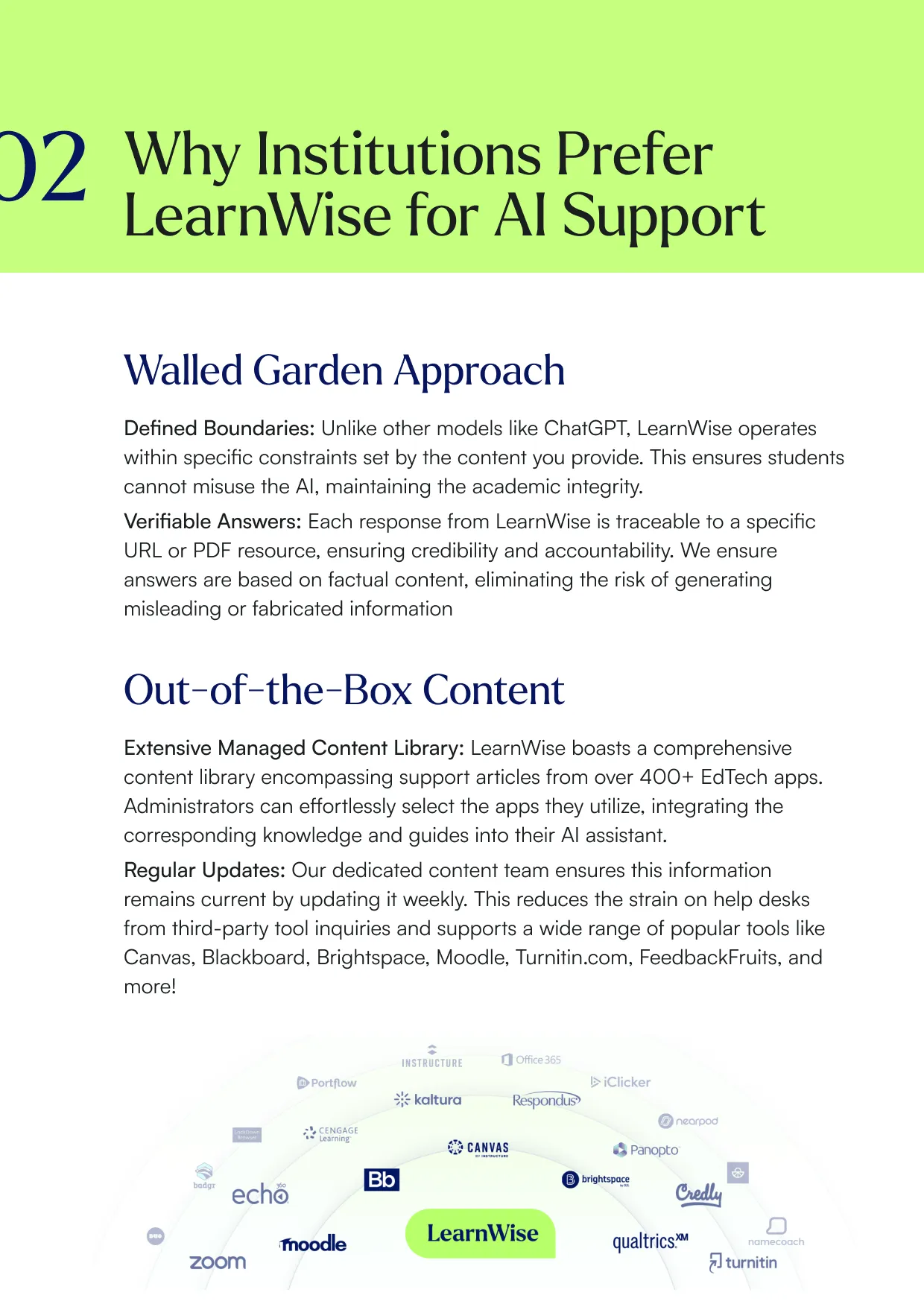
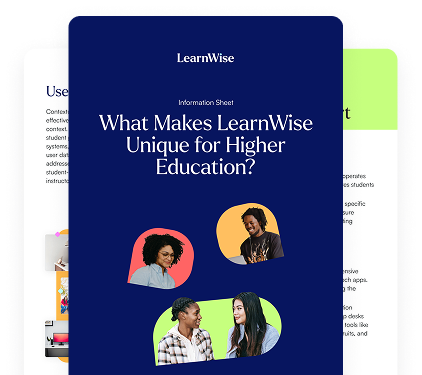
LearnWise information sheet titled 'What Makes LearnWise Unique for Higher Education?' with diverse student images.Overview of LearnWise user recognition and smart triage with chatbot responses and intelligent support routing.Text explaining why institutions prefer LearnWise for AI support with sections on Walled Garden and Out-of-the-Box Content.

Download the whitepaper

Explore our full integration guide to learn how LearnWise and D2L work together to streamline course delivery, support, and assessment.
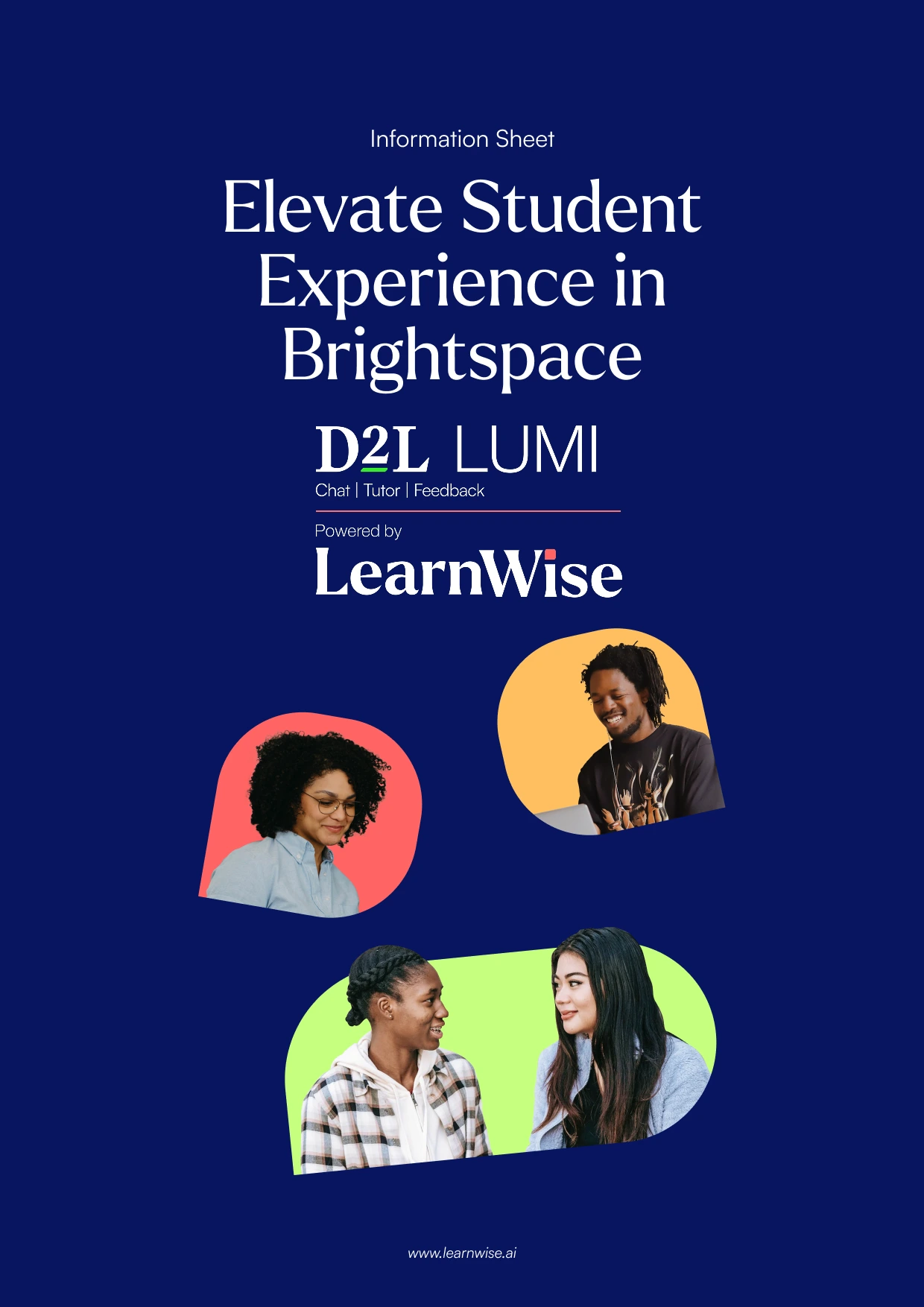
By submitting this form, you consent to us using your personal data to respond to your inquiry. Read our Privacy Policy.
Thanks, check your inbox for the resource!
Oops! Something went wrong while submitting the form.
Information sheet titled Elevate Student Experience in Brightspace with D2L LUMI and LearnWise logos.Text about digital learning and AI support with images of students studying and using laptops.Two students working on laptops promoting AI study buddy and 24/7 accessible course support by LearnWise.

Download the whitepaper

Explore our full integration guide to learn how LearnWise AI works in Blackboard to streamline support, teaching and learning.
By submitting this form, you consent to us using your personal data to respond to your inquiry. Read our Privacy Policy.
Thanks, check your inbox for the resource!
Oops! Something went wrong while submitting the form.
Cover with title Elevate The Student Experience in Blackboard with LearnWise AI and photos of diverse students.Text about digital learning and AI support with images of students studying and using laptops.Two students working on laptops promoting AI study buddy and 24/7 accessible course support by LearnWise.

Download the whitepaper

Explore our full integration guide to learn how LearnWise AI works in Microsoft Teams to streamline support and learning.
By submitting this form, you consent to us using your personal data to respond to your inquiry. Read our Privacy Policy.
Thanks, check your inbox for the resource!
Oops! Something went wrong while submitting the form.
Four diverse students gathered around a laptop, collaborating and smiling in a modern room.Text about digital learning and AI support with images of students studying and using laptops.Two students working on laptops promoting AI study buddy and 24/7 accessible course support by LearnWise.

Download whitepaper

Explore our full integration guide to learn how LearnWise AI works in Moodle to streamline support, learning and assessment.
By submitting this form, you consent to us using your personal data to respond to your inquiry. Read our Privacy Policy.
Thanks, check your inbox for the resource!
Oops! Something went wrong while submitting the form.
Cover with text Elevate The Student Experience in Moodle with LearnWise AI and images of diverse students.Text about digital learning and AI support with images of students studying and using laptops.Two students working on laptops promoting AI study buddy and 24/7 accessible course support by LearnWise.

Download whitepaper

Explore our full integration guide to learn how LearnWise AI works in Moodle to streamline support, learning and assessment.
By submitting this form, you consent to us using your personal data to respond to your inquiry. Read our Privacy Policy.
Thanks, check your inbox for the resource!
Oops! Something went wrong while submitting the form.

Download the whitepaper

Explore our full integration guide to learn how LearnWise and D2L work together to streamline course delivery, support, and assessment.
By submitting this form, you consent to us using your personal data to respond to your inquiry. Read our Privacy Policy.
Thanks, check your inbox for the resource!
Oops! Something went wrong while submitting the form.
Information sheet titled Elevate Student Experience in Brightspace with D2L LUMI and LearnWise logos.Text about digital learning and AI support with images of students studying and using laptops.Two students working on laptops promoting AI study buddy and 24/7 accessible course support by LearnWise.

Download the whitepaper

Explore our full integration guide to learn how LearnWise AI works in Blackboard to streamline support, teaching and learning.
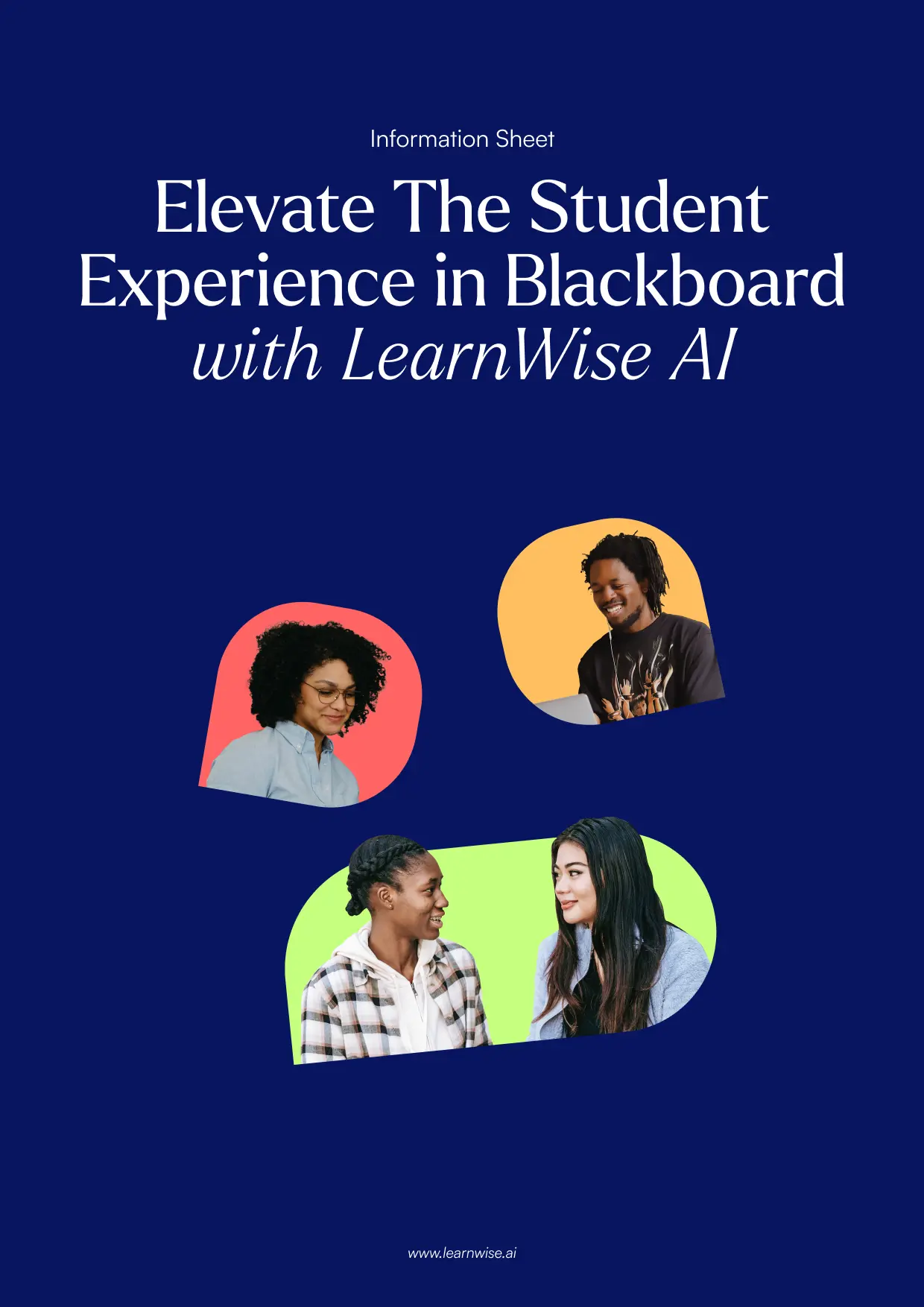
By submitting this form, you consent to us using your personal data to respond to your inquiry. Read our Privacy Policy.
Thanks, check your inbox for the resource!
Oops! Something went wrong while submitting the form.
Cover with title Elevate The Student Experience in Blackboard with LearnWise AI and photos of diverse students.Text about digital learning and AI support with images of students studying and using laptops.Two students working on laptops promoting AI study buddy and 24/7 accessible course support by LearnWise.

Download the whitepaper

Explore our full integration guide to learn how LearnWise AI works in Microsoft Teams to streamline support and learning.
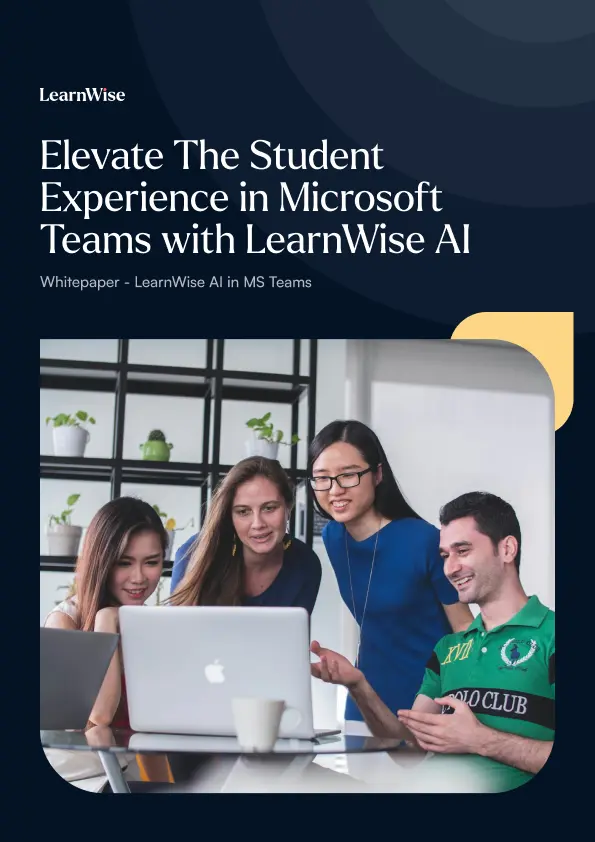
By submitting this form, you consent to us using your personal data to respond to your inquiry. Read our Privacy Policy.
Thanks, check your inbox for the resource!
Oops! Something went wrong while submitting the form.
Four diverse students gathered around a laptop, collaborating and smiling in a modern room.Text about digital learning and AI support with images of students studying and using laptops.Two students working on laptops promoting AI study buddy and 24/7 accessible course support by LearnWise.

Download whitepaper

Explore our full integration guide to learn how LearnWise AI works in Moodle to streamline support, learning and assessment.
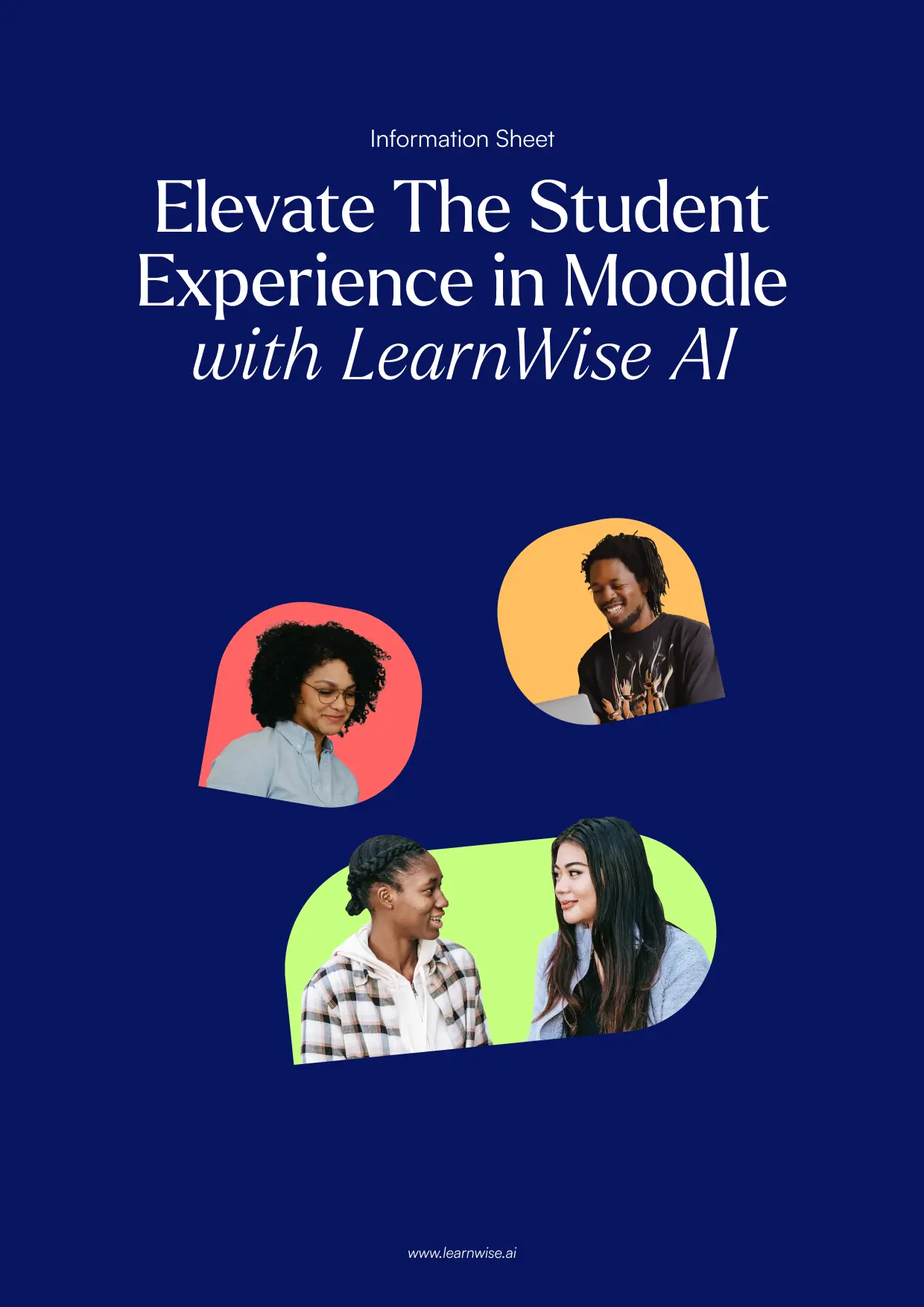
By submitting this form, you consent to us using your personal data to respond to your inquiry. Read our Privacy Policy.
Thanks, check your inbox for the resource!
Oops! Something went wrong while submitting the form.
Cover with text Elevate The Student Experience in Moodle with LearnWise AI and images of diverse students.Text about digital learning and AI support with images of students studying and using laptops.Two students working on laptops promoting AI study buddy and 24/7 accessible course support by LearnWise.
FAQ

Common questions, answered.

How long is the product demo?
arrow

Most demos last between 30-45 minutes, with additional time available for questions, discussion, and platform-specific use cases.

Is the demo tailored to our institution?
arrow

Yes. We build the session around the products and use cases most relevant to you, with examples that reflect how your institution actually works rather than a generic walkthrough. Tell us your priorities in advance and we will focus the time there.

Who should attend the demo?
arrow

Bring whoever owns the problem you want to solve. That usually means a mix of the people who would use it day to day, such as LMS admins, student services, or faculty, plus someone who can speak to priorities and budget.

How quickly can LearnWise be implemented?
arrow

Faster than most institutions expect. Technical setup is typically 3 to 7 business days, with full onboarding in 3 to 5 weeks, and no coding is required. You can also roll out one product or one department at a time and expand from there.