
Hub de contenu
Vue d'ensemble
Nextcloud est une plateforme de collaboration de contenu open source que les établissements peuvent exécuter sur leurs propres serveurs ou dans le cloud. Elle offre aux équipes un espace unique pour stocker, partager et travailler sur des fichiers tout en gardant le contrôle sur l'hébergement de leurs données.
Grâce à l'intégration LearnWise, les fichiers stockés dans Nextcloud deviennent une source de connaissances pour Support campus IA, Tuteur étudiant IA et l'assistant AI Ops. Un administrateur connecte Nextcloud et choisit les fichiers que chaque assistant peut utiliser. Les réponses s'appuient ensuite sur les documents que l'établissement gère déjà, tels que les politiques, les supports de cours et les guides de service.
Comment ça marche
- Connectez votre serveur Nextcloud
- Indiquez l'adresse du serveur, un nom d'utilisateur Nextcloud et un mot de passe d'application ayant accès aux fichiers concernés. Les instances cloud et auto-hébergées sont prises en charge, à condition que LearnWise puisse accéder au serveur.
- Sélectionnez les fichiers pour chaque assistant
- Sous Connaissances → Applications, choisissez les fichiers Nextcloud utilisés par chaque assistant. Aucune donnée n'est importée tant qu'un administrateur ne l'a pas sélectionnée.
- Utilisez vos fichiers avec différents assistants
- L'assistant de support de campus, le tuteur étudiant IA et l'assistant AI Ops répondent en utilisant les fichiers que vous avez sélectionnés.
Pourquoi choisir LearnWise ?
Cette intégration permet aux établissements qui utilisent déjà Nextcloud d'exploiter ces fichiers comme base de connaissances pour l'IA, les administrateurs décidant des sources accessibles à chaque assistant.
- Prend en charge Nextcloud en version cloud et auto-hébergée
- Fonctionne via vos accès aux connaissances et autorisations d'administration LearnWise existants, sans activation séparée
- Les serveurs accessibles uniquement au sein d'un réseau de campus privé nécessitent une vérification de connectivité avant la configuration
Consultez le guide de configuration pour des instructions étape par étape.

Créez un assistant IA pour accompagner votre campus
Boost engagement and efficiency at your university by connecting all your essential EdTech tools to LearnWise.
Try it nowUnifiez et rationalisez vos processus de support internes.
Renforcez l'engagement et l'efficacité de votre université en connectant tous vos outils EdTech essentiels à LearnWise.
Réservez une démoTéléchargez l'étude
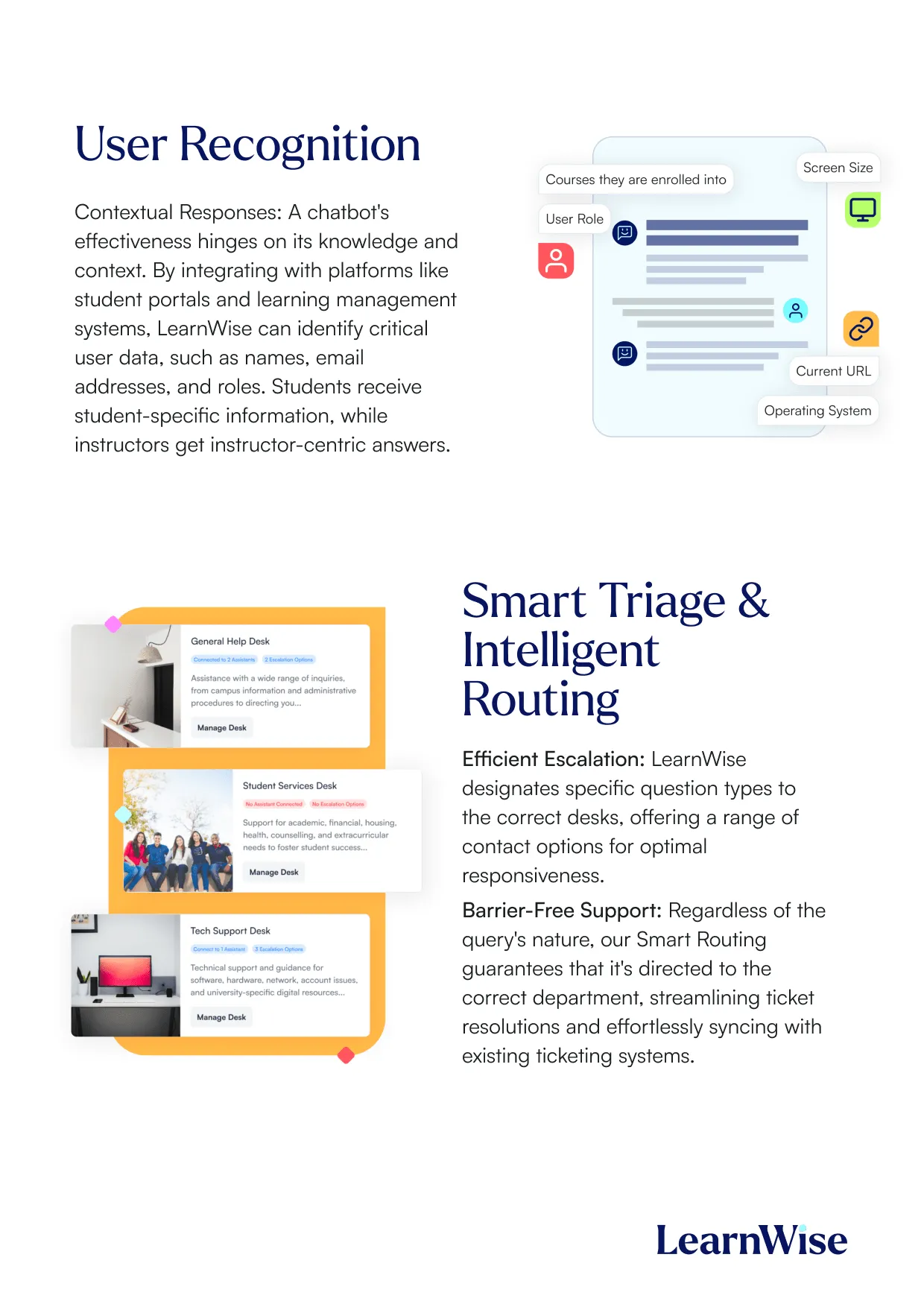
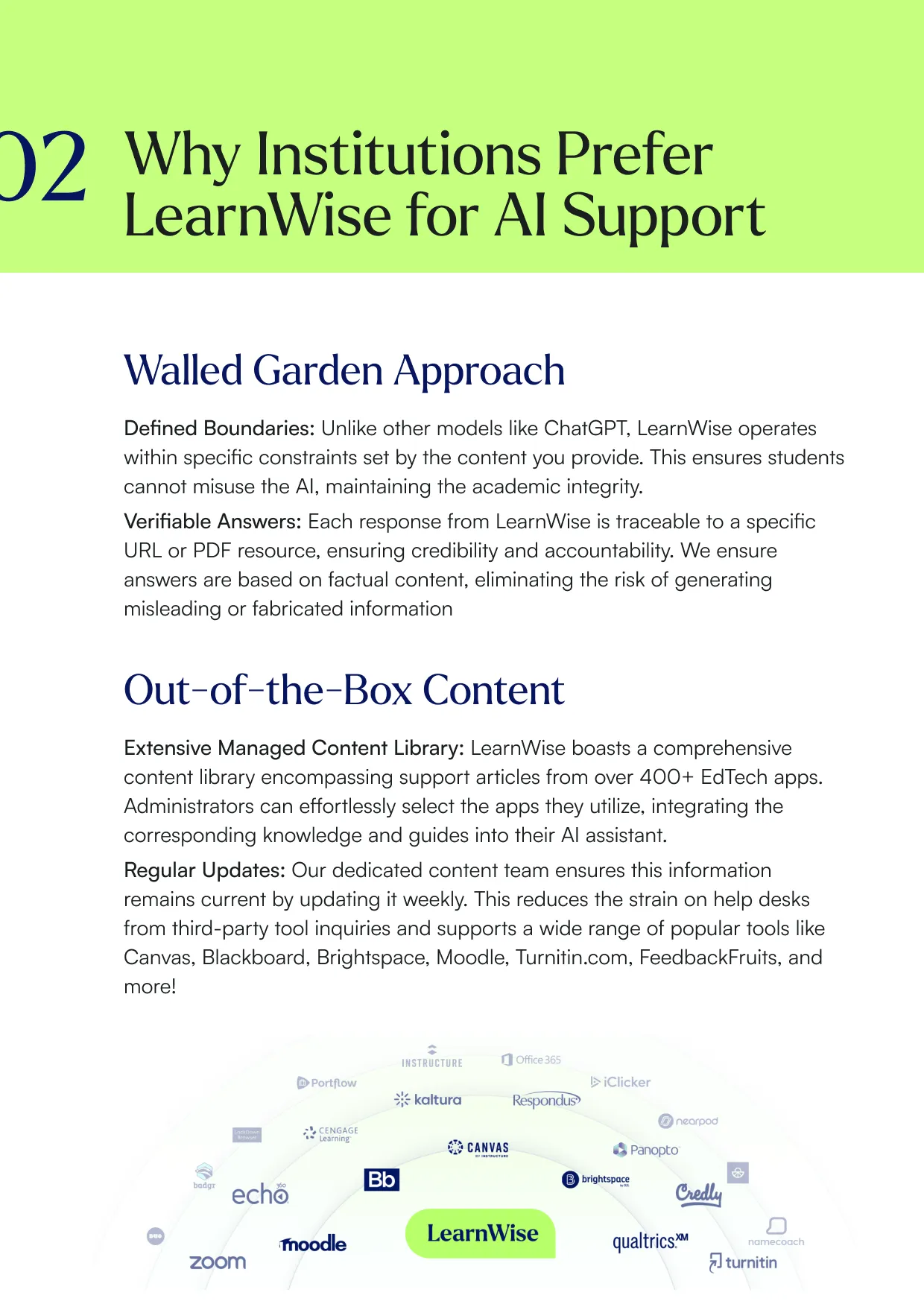
Découvrez pourquoi LearnWise est la meilleure suite complète d'assistance en matière d'IA pour des institutions comme la vôtre.


Télécharger le livre blanc
Explorez notre guide d'intégration complet pour découvrir comment LearnWise et D2L travaillent ensemble pour rationaliser la prestation, le support et l'évaluation des cours.


Download the whitepaper
Explore our full integration guide to learn how LearnWise AI works in Blackboard to streamline support, teaching and learning.
Download the whitepaper
Explore our full integration guide to learn how LearnWise AI works in Microsoft Teams to streamline support and learning.
Télécharger le livre blanc
Explorez notre guide d'intégration complet pour découvrir comment LearnWise AI fonctionne dans Moodle pour rationaliser le support, l'apprentissage et l'évaluation.
Download whitepaper
Explore our full integration guide to learn how LearnWise AI works in Moodle to streamline support, learning and assessment.
Download the whitepaper
Explore our full integration guide to learn how LearnWise and D2L work together to streamline course delivery, support, and assessment.
Download the whitepaper
Explore our full integration guide to learn how LearnWise AI works in Blackboard to streamline support, teaching and learning.
Download the whitepaper
Explore our full integration guide to learn how LearnWise AI works in Microsoft Teams to streamline support and learning.
Download whitepaper
Explore our full integration guide to learn how LearnWise AI works in Moodle to streamline support, learning and assessment.
FAQ
Common questions, answered.
How long is the product demo?


Most demos last between 30-45 minutes, with additional time available for questions, discussion, and platform-specific use cases.
Is the demo tailored to our institution?
Yes. We build the session around the products and use cases most relevant to you, with examples that reflect how your institution actually works rather than a generic walkthrough. Tell us your priorities in advance and we will focus the time there.
Who should attend the demo?
Bring whoever owns the problem you want to solve. That usually means a mix of the people who would use it day to day, such as LMS admins, student services, or faculty, plus someone who can speak to priorities and budget.
How quickly can LearnWise be implemented?
Faster than most institutions expect. Technical setup is typically 3 to 7 business days, with full onboarding in 3 to 5 weeks, and no coding is required. You can also roll out one product or one department at a time and expand from there.
Intégration similaire
Voir tout



Kraanspoor 50, 1033 SE Amsterdam, Pays-Bas

