Overview
LearnWise AI brings its powerful support capabilities directly to your WordPress site, transforming it into an interactive hub for students, faculty, and staff. With a simple one-click plugin installation, LearnWise AI becomes an integrated part of your website or student portal, delivering real-time, AI-driven assistance. Key benefits include:
- Simple Setup: Go live with LearnWise AI in less than a minute with our user-friendly plugin.
- Flexible Deployment: Choose between a floating support button or embedding LearnWise AI within an iframe on your WordPress site.
- Protected Access: Position LearnWise AI behind login walls to offer personalized and secure support.
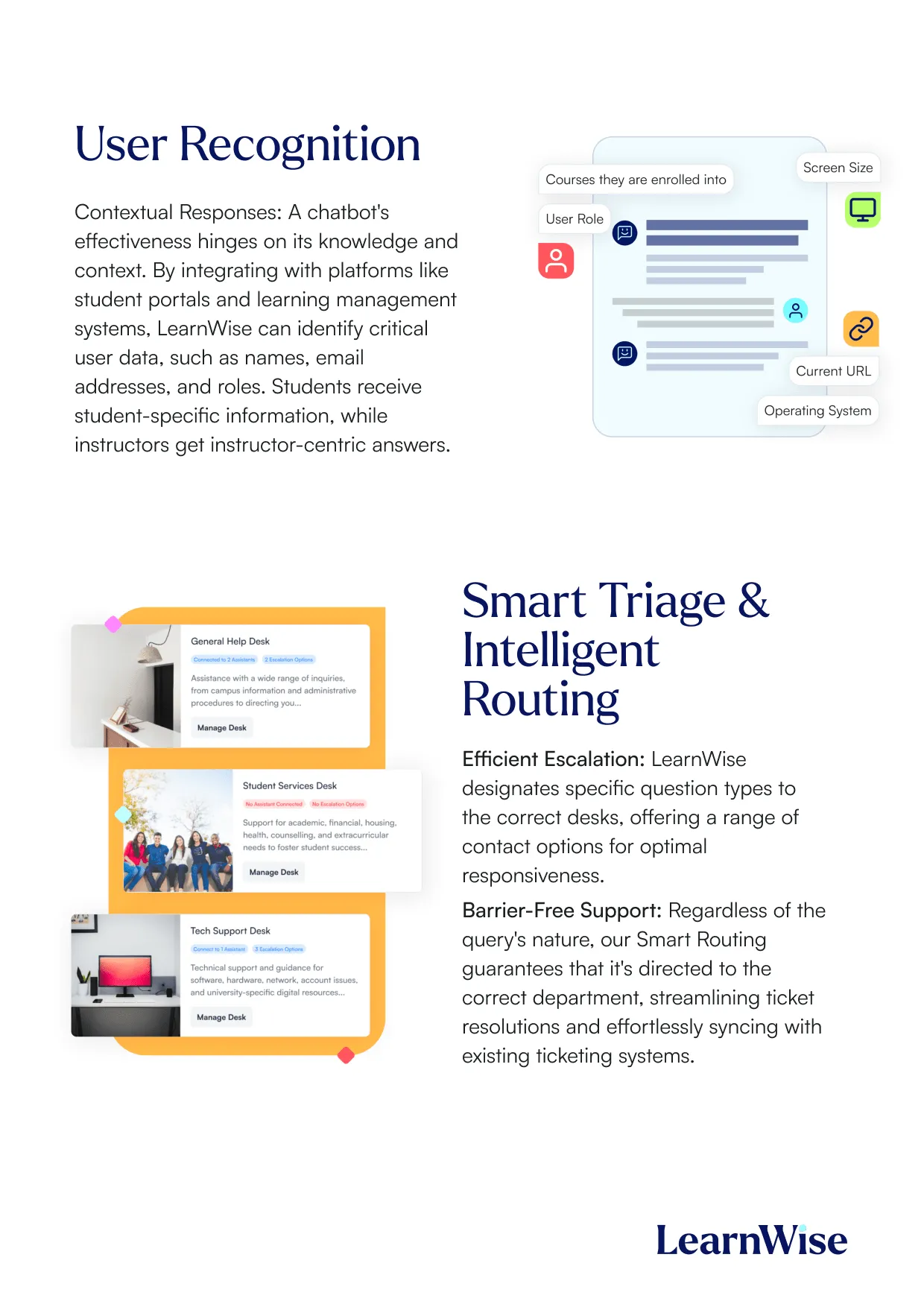
- Comprehensive Knowledge Access: Enable the AI to pull and utilize content from your WordPress pages for accurate, relevant assistance.
How it works
1. Installation and Activation:
- Download the LearnWise AI WordPress plugin.
- Upload the plugin to your WordPress site and activate it.
2. Configuration:
- Select your preferred mode of deployment:
- Floating Support Button: A dynamic, clickable button available on all or specific pages.
- Embedded Iframe: Place the AI on a full page or section of a page.
3. Content Integration:
- Allow the AI to access WordPress page content to enhance its response accuracy.
4. Secure Access Setup:
- Optionally, position LearnWise AI behind your login wall for role-based and private content support.
5. Support and Go Live:
- With just 30 seconds of effort, your AI assistant is ready to assist users. Need help? Our team is here to collaborate with your web team for smooth integration.
Why Choose LearnWise?
- Unparalleled Simplicity: Deploy the AI assistant with minimal effort and time.
- Customizable User Experience: Tailor its placement and appearance to fit your website’s design.
- Efficient Knowledge Utilization: Automatically pull and reference your WordPress content for precise support responses.
- Enhanced Accessibility: Provide 24/7 support across your main website, student portal, or subdomains.
- Dedicated Support Team: We’re here to help your website team every step of the way.
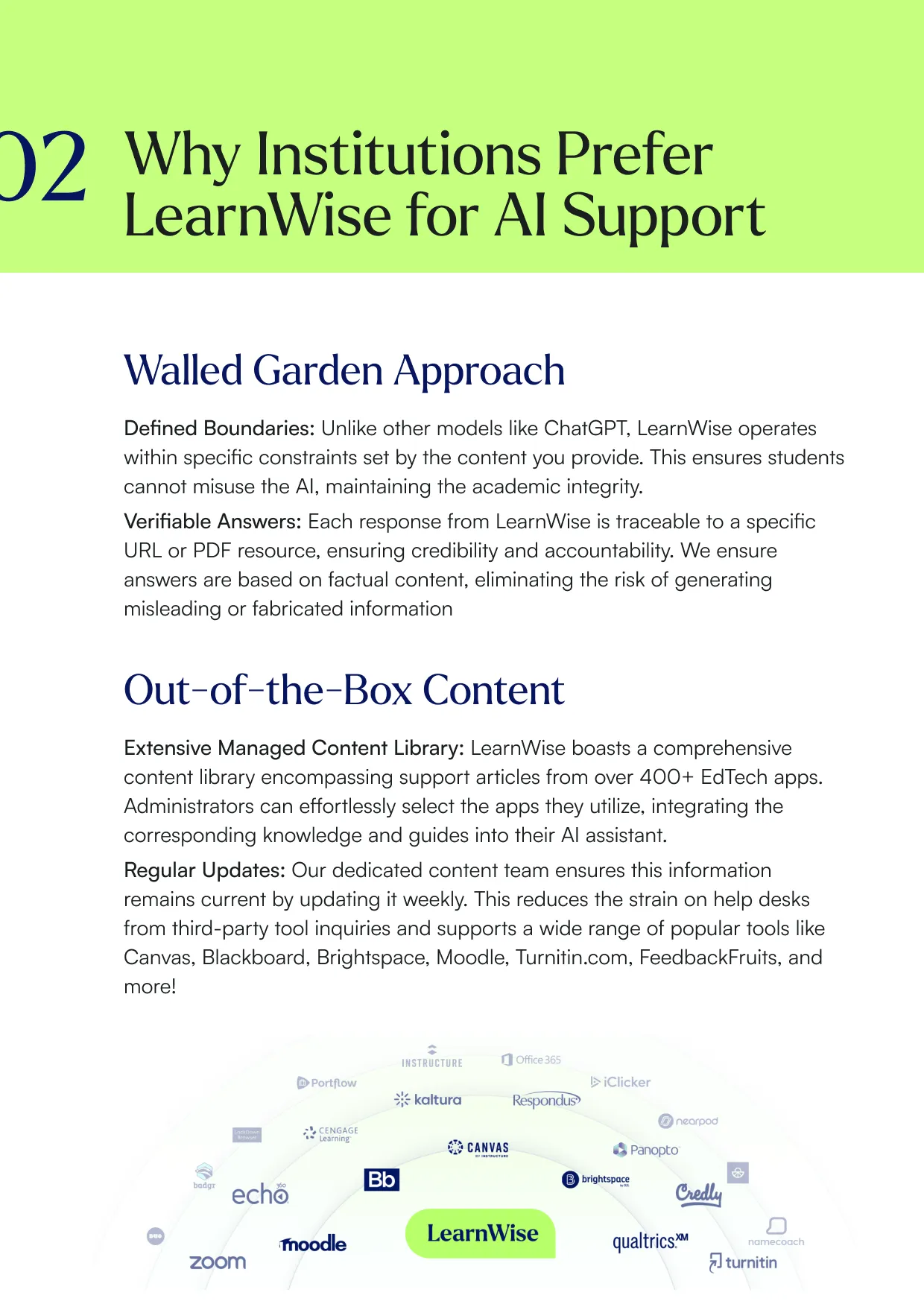
Boost engagement and efficiency at your university by connecting all your essential EdTech tools to LearnWise.
Try it nowExplore our guide to learn how LearnWise AI works in your platform.
Get the whitepaperDownload the study


Download the whitepaper


Download the whitepaper


Download the whitepaper


Download whitepaper


Download whitepaper
.png)
Download the whitepaper


Download the whitepaper


Download the whitepaper


Download whitepaper


Common questions, answered.
Most demos last between 30-45 minutes, with additional time available for questions, discussion, and platform-specific use cases.
Yes. We build the session around the products and use cases most relevant to you, with examples that reflect how your institution actually works rather than a generic walkthrough. Tell us your priorities in advance and we will focus the time there.
Bring whoever owns the problem you want to solve. That usually means a mix of the people who would use it day to day, such as LMS admins, student services, or faculty, plus someone who can speak to priorities and budget.
Faster than most institutions expect. Technical setup is typically 3 to 7 business days, with full onboarding in 3 to 5 weeks, and no coding is required. You can also roll out one product or one department at a time and expand from there.



.webp)
%20(1).webp)
%20(1).webp)